App Download QR Code Generator
Send people to the right app store with one scan, App Store on iOS, Play Store on Android. Add both links, track scans, and update them anytime without reprinting.


App Download QR Code: QR Code Generator for App Download
Share your app download links across channels and boost app downloads

What is an App Download QR Code?
An app download QR code is a QR code that helps users download your mobile app without searching for it manually. When users scan the code, they land on an app download page with your app details and store links. From there, they can choose the relevant option, such as App Store or Google Play, and install the app. It is useful for brands, startups, restaurants, retailers, event organizers, product companies, and service businesses that want to promote mobile app downloads from offline and online touchpoints.
How Does an App Download QR Code Work?
An App Download QR code helps you share your app download links with a large audience. Here's how an app download QR code works:


Why Use an App Download QR Code?
Make it easier to promote your app across offline and online channels while keeping the download experience branded and trackable.
Share one QR code across channels
Use one app download QR code for App Store and Google Play links. This makes your print and digital promotions cleaner and easier to manage.
Reduce app search friction
Users do not need to type your app name, search manually, or choose from similar looking apps. A scan takes them to your official app download page.
Promote app downloads offline
Add the QR code to packaging, flyers, store displays, invoices, brochures, product inserts, event booths, and billboards.

Update links without reprinting
With a dynamic app download QR code, you can update store links or page details later without changing the printed QR code.
Track scan performance
View scan analytics to understand which campaigns, locations, or materials are driving engagement.
Build a branded download experience
Add your logo, colors, app details, and clear store buttons so users recognize your brand before downloading the app.
How to Create an App Download QR Code
Follow these steps to create an app download QR code with QRCodeChimp:

Where to Use an App Download QR Code
You can put an App Download QR code on various offline channels, like:


Create and Manage App Download QR Codes with QRCodeChimp
QRCodeChimp is the one-stop solution for creating and managing your App Download QR codes. Here's why you should use QRCodeChimp:


Best Practices for App Download QR Codes
Follow these simple practices to make your app download QR code easier to scan, trust, and use.
Use official app store links
Add the correct App Store and Google Play links so users reach your official app listing.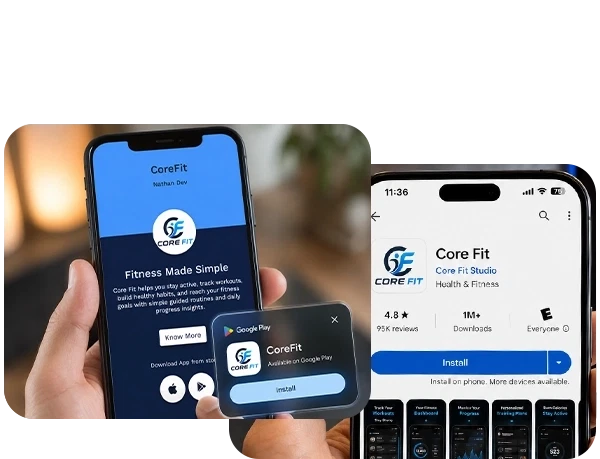
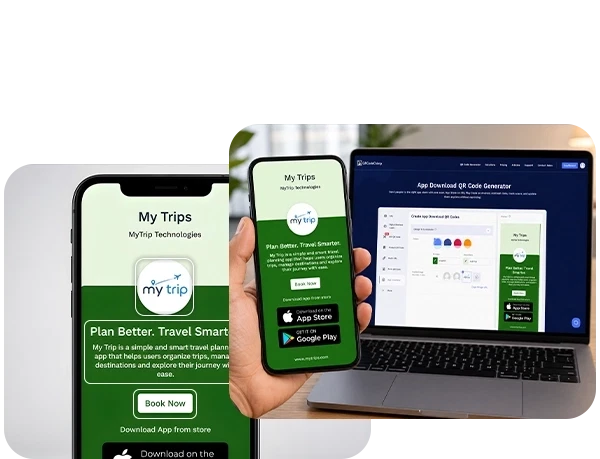
Keep the page simple
Show only the details users need before downloading: app name, logo, short description, and clear download options.Use a clear CTA
Place short instructions near the QR code, such as “Scan to download the app” or “Download our app.”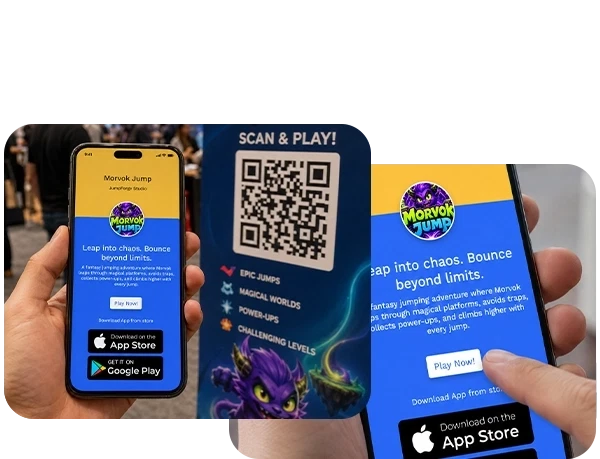
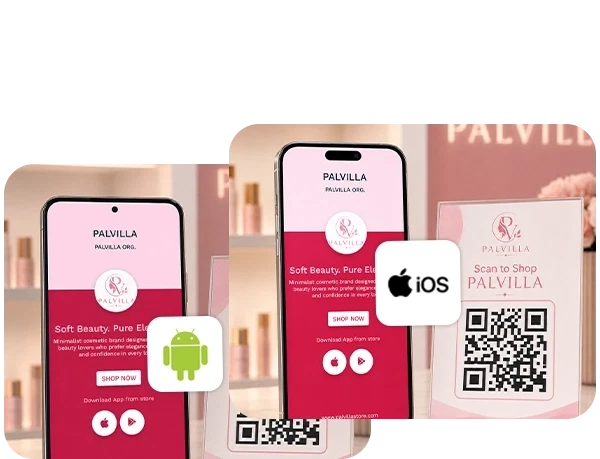
Test on both iOS and Android
Scan the QR code on different devices before printing or publishing it.Make the QR code easy to scan
Use proper size, high contrast, and enough white space around the QR code.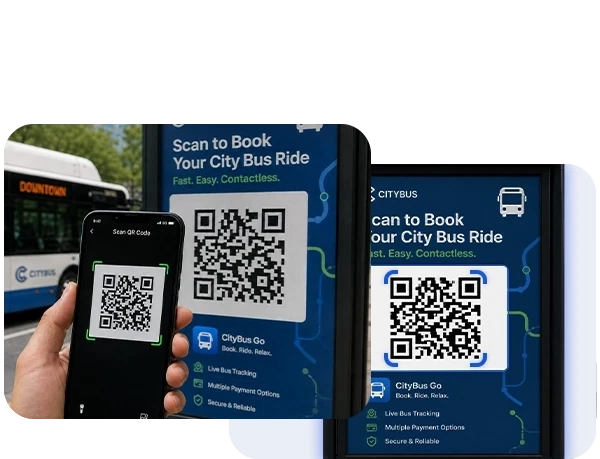
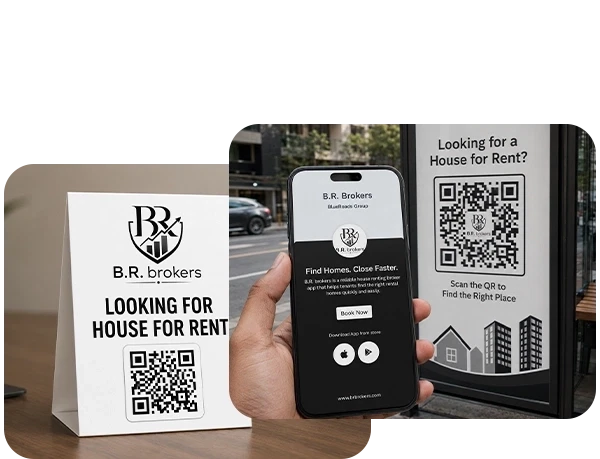
Place it where scanning is natural
Use the QR code where users already have their phones nearby, such as counters, packaging, receipts, booths, and onboarding material.Track campaign performance
Check scan analytics to see which locations, materials, or campaigns are generating the most scans.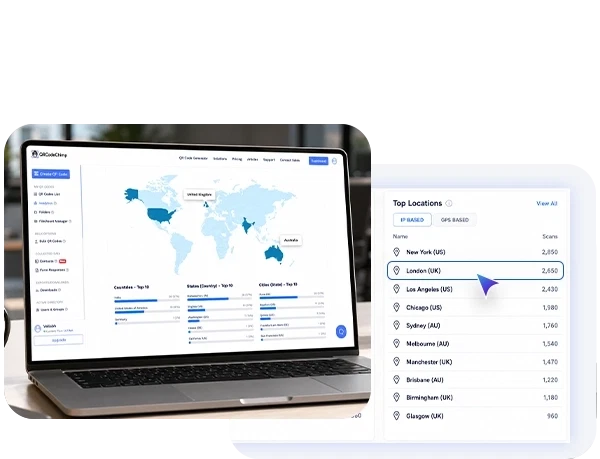
Frequently Asked Questions
- How to create an App Download QR Code?
- Why should I use an app download QR code?
- How can people download my app using an app download QR code?
- Do I need to create separate app download QR codes for Play Store and App Store download links?
- Can I change the app download links after creating the App Download QR code?
- How do users download the app after scanning?
- Can I update the app links after printing the QR code?
- Can I track scans on my app download QR code?
- Where should I use an app download QR code?
- Is an app download QR code useful for app marketing?
Frequently Asked Questions
How to create an App Download QR Code?
Follow these steps to create an app download QR code:
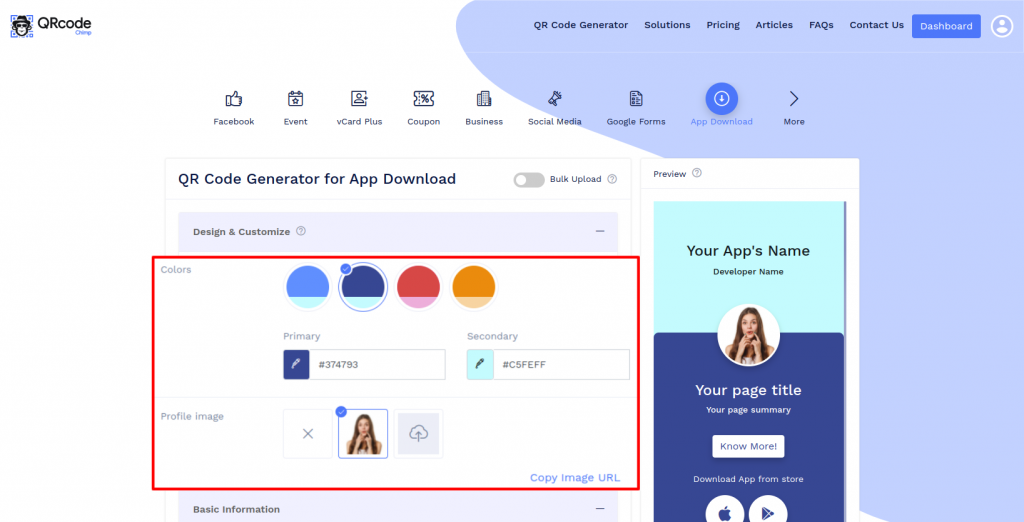
Step 1: Select Color and Profile Image
Design and customize the App Download display page with colors and the profile image.
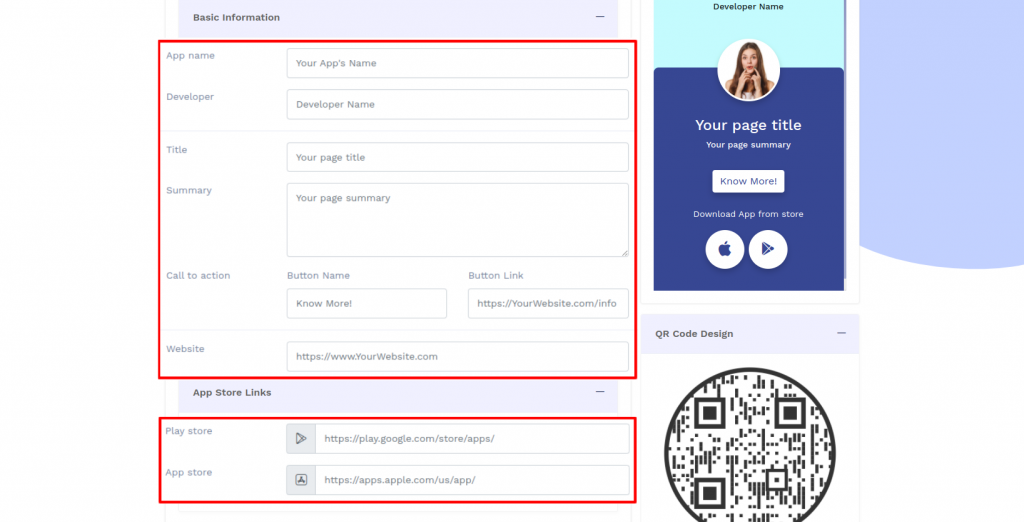
Step 2: Enter the Basic Information
Enter the basic information details and App Store links.
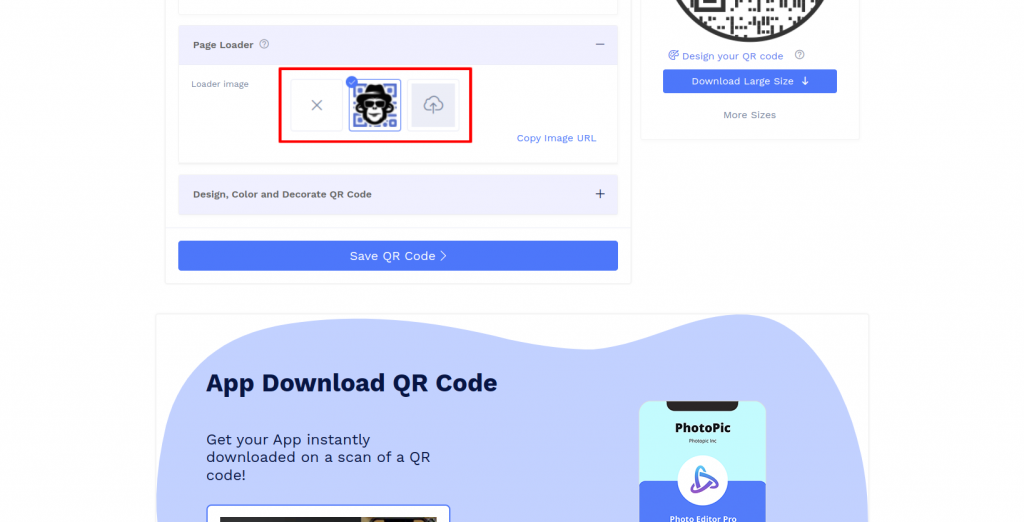
Step 3: Upload Page Loader Image
Select the default page loader image or upload the loader image of your choice.
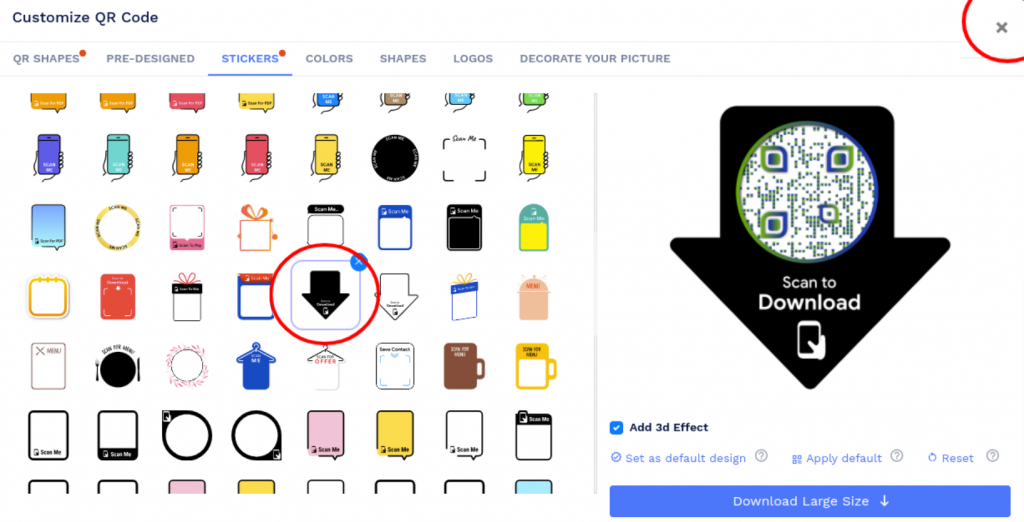
Step 4: Design Your QR Code
Click on 'Design Color and Decorate QR Code' to customize your QR Code design (ex: adding color, shape, sticker). Note: Click on the 'x' icon of the 'Customize QR Code' popup to save changes.
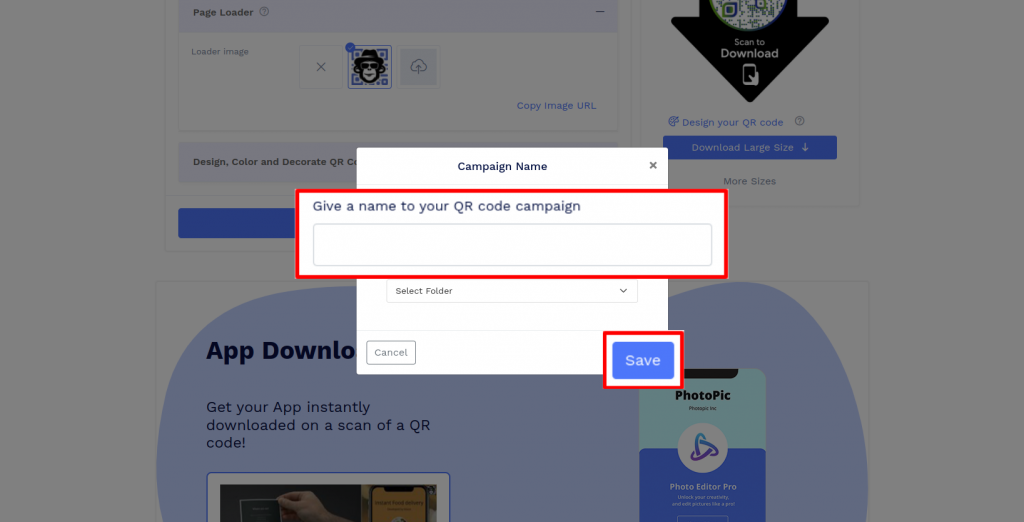
Step 5: Save and Download
Save the QR Code by clicking on the 'Save QR Code' button, entering the QR name, and then clicking on 'Save.' Note: Make sure to scan your QR Code from different devices (iOS and Android) before printing for production.
Why should I use an app download QR code?
An app download QR code allows people to easily download your app, resulting in more downloads. Users can scan the app download QR code to reach the download page. It eliminates the need to open the app store and search for the app.
How can people download my app using an app download QR code?
When users scan your app download QR code, they'll get redirected to your app download display page. They can select their OS (Android or iOS) and download the app.
Do I need to create separate app download QR codes for Play Store and App Store download links?
You don't need to create separate app download QR codes for Play Store and App Store links. You can add both the links to your app download display page, and the user can select their operating system to download the app.
Can I change the app download links after creating the App Download QR code?
Yes, you can change the information on the App Download display page. Since the App Download QR code is dynamic, you can update its contents without reprinting the code.
How do users download the app after scanning?
Users scan the QR code, open the app download page, tap the relevant store button, and install the app from the official app store.
Can I update the app links after printing the QR code?
Yes. If you create a dynamic app download QR code, you can update the destination links or page details without reprinting the QR code.
Can I track scans on my app download QR code?
Yes. QRCodeChimp provides scan analytics so you can track scan activity and measure campaign performance.
Where should I use an app download QR code?
You can use it on packaging, posters, flyers, retail displays, receipts, event booths, brochures, onboarding kits, and digital campaigns.
Is an app download QR code useful for app marketing?
Yes. It helps users reach your official app download links faster and makes it easier to promote your app across offline and online channels.
Hear What Our Customers Have to Say!