GS1 QR Code Generator Online
Create dynamic GS1 Digital Link QR codes using GTIN, batch, and expiry data. Link each code to product information and
update the linked content anytime, without reprinting.



Secure GS1 QR Code Management for Your Business
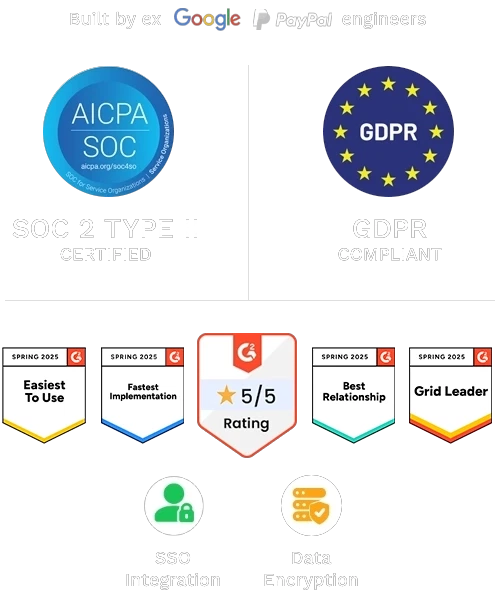
Protect your product data and QR Code operations with SOC 2 Type II controls, encryption, secure team access, MFA, and privacy safeguards.

SOC 2 Type II Certified
Our systems and processes are audited and certified for the highest standards of security, availability, and confidentiality.

Data Encryption
All data is encrypted in transit and at rest using industry-standard encryption protocols to keep your information safe.

Multi-factor Authentication
Add an extra layer of protection with multi-factor authentication (MFA) to prevent unauthorized access.

Passcode Protection
Secure your QR codes and content with passcodes, giving you complete control over who can access your information.

GDPR Compliance
We follow GDPR guidelines to ensure your data is handled responsibly, transparently, and with user privacy at the core.

Strong DPA
A strong Data Processing Agreement is in place to guarantee that your information is treated with the utmost respect and care.
What Is a GS1 QR Code?
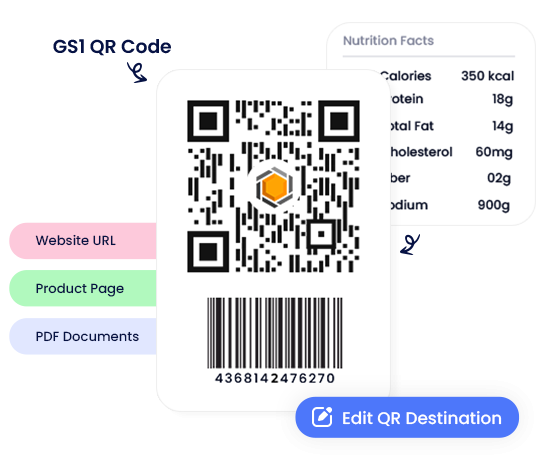
A GS1 QR Code is a 2D barcode that uses the GS1 Digital Link structure to connect product identifiers with digital product information. Unlike a normal QR code that only opens a URL, a GS1 QR code can include product data such as GTIN, batch or lot number, serial number, expiry date, and other GS1 Application Identifiers. For brands, this makes product packaging more useful. The same code can help identify a product, support retail readiness, connect customers to product information, and prepare packaging for broader 2D barcode adoption.
What Does a GS1 Digital Link Look Like?
A GS1 Digital Link looks like a web address, but it is structured around GS1 identifiers.
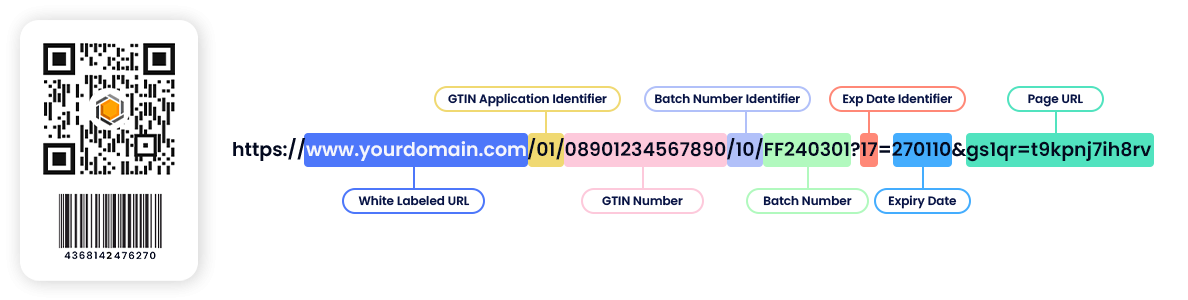
A 2D-capable retail scanner can read the code to identify the product. A customer's phone can scan the same code to open the product page, recipe, manual, warranty page, certification, or other digital product information.
This is what separates a GS1 Digital Link from a normal URL: it identifies the product first, then connects it to the right digital information.
Why Create GS1 QR Codes with QRCodeChimp?
QRCodeChimp helps you create, customize, and manage GS1 QR codes from a single platform. You can structure product data, design branded QR codes, generate codes in bulk, update linked content, and track scans without managing separate tools.
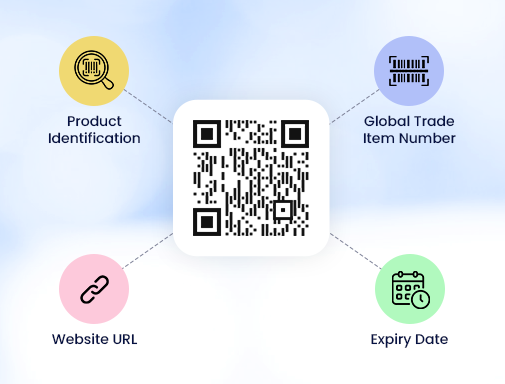
GS1 Digital Link structure
Create QR codes using the GS1 Digital Link structure with identifiers such as GTIN, batch or lot number, serial number, expiry date, packaging date, country of origin, and other Application Identifiers.
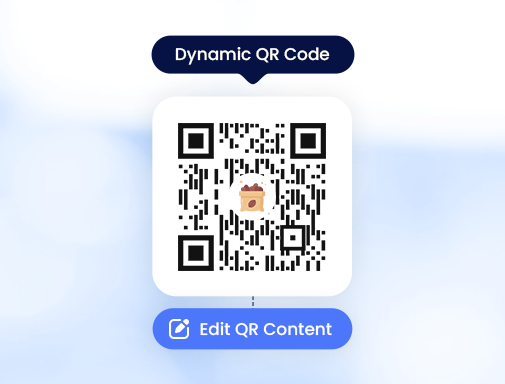
Dynamic product content
Update the linked product information, landing page, PDF, campaign destination, or support content without changing the printed QR code.
Bulk creation for product catalogs
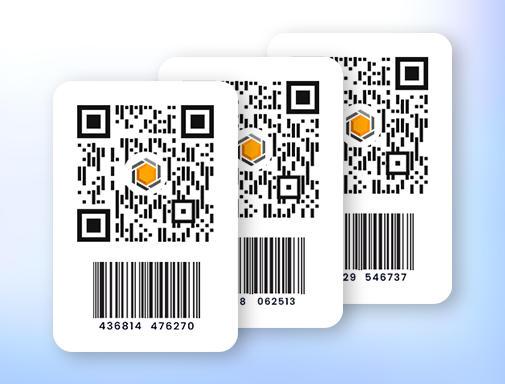
Create GS1 QR codes for multiple SKUs, batches, variants, or product lines using bulk upload.
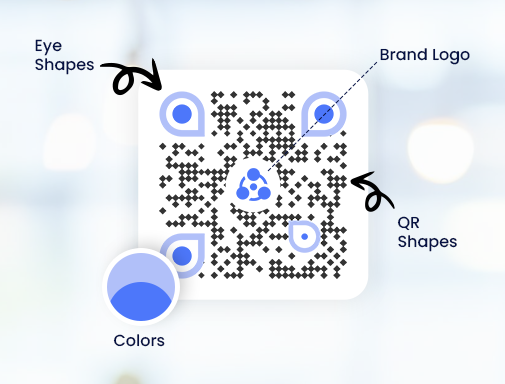
Branded QR codes
Customize your GS1 QR codes with your brand colors, logo, and design elements so they look professional on product packaging and marketing material.
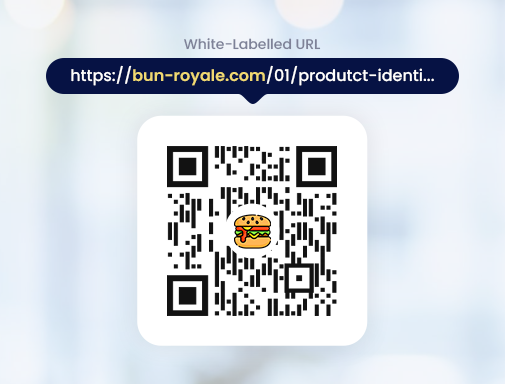
Custom domain support
Use your brand domain for better trust, long-term ownership, and a more consistent customer experience.
Analytics and tracking
Track scans by time, device, and location to understand how customers engage with your products after scanning the code.

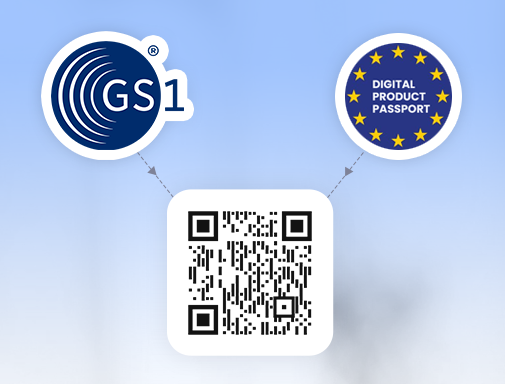
Supports DPP and GS1 Digital Link Use Cases
QRCodeChimp helps you create GS1 Digital Link QR codes that can act as an access layer for Digital Product Passport, product transparency, and Sunrise 2027 readiness. The codes follow GS1 Digital Link structure, helping brands connect product identifiers to digital product information through a scannable code. Note: Full DPP compliance still depends on your product category, required data, access rules, and applicable regulations.
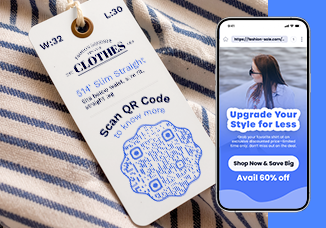
Share More Than Just Product Info
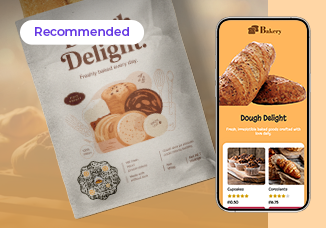
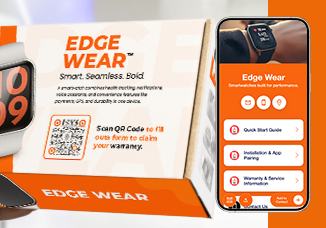
Share recipes, ingredients, manuals, and more through the format that works best for your product.
How to Create a GS1 QR Code
Create, customize, test, and download your GS1 QR code for packaging, labels, and product material.

GTIN, batch, or expiry.
product page, website, or documents.
and use it on your packaging.
Bulk GS1 QR Code Creation
If you manage multiple products, SKUs, batches, or product variants, create GS1 QR codes in bulk. Upload product data in a structured file and generate many codes together instead of building each one manually. Bulk creation is useful for product catalogs, seasonal packaging, batch-based products, manufacturing runs, and brands preparing many products for 2D barcode adoption.
Why Use GS1 QR Codes?
GS1 QR codes transform how products communicate by connecting physical packaging to dynamic digital experiences. They help brands share more information, adapt quickly, and create meaningful interactions through a single scan.
- Go beyond packaging limits: Packaging has limited space, but GS1 QR codes remove that constraint. Share everything from ingredients and nutrition to recipes, usage instructions, and brand stories without cluttering your design.
- Keep information always updated: Product information can change, but your packaging doesn’t have to. QRCodeChimp’s GS1 QR codes let you update content anytime, ensuring customers always access the latest and most accurate details.
- Create direct customer connections: Turn every product into a digital touchpoint. Engage customers with relevant content, offers, and experiences that go beyond the point of purchase.
- Improve transparency and trust: Give customers easy access to key details such as sourcing, certifications, and product information, helping build confidence and credibility.
- Simplify with one smart GS1 code: Replace multiple codes with a single GS1 QR code that supports identification, information sharing, and engagement all in one place.
GS1 QR Codes vs. Traditional Barcodes
See how GS1 QR codes go beyond traditional 1D barcodes by enabling richer data, digital connectivity, and better product experiences all through a single scan.
| Feature | GS1 QR code (2D barcode) | Traditional 1D barcode |
|---|---|---|
| Data capacity | Stores large amounts of data (GTIN, batch, expiry, links) | Limited to basic product ID (GTIN) |
| Digital link | Supports GS1 Digital Link to connect to online content | No digital linking capability |
| Information access | Provides detailed product info (ingredients, manuals, etc.) | Requires database lookup for basic info |
| Update flexibility | Content can be updated without changing the code | Cannot be updated once printed |
| Customer engagement | Enables rich experiences (recipes, videos, offers) | No direct engagement capability |
| Scanning devices | Scannable by smartphones and modern POS systems | Requires dedicated barcode scanners |
| Use cases | Identification + engagement + traceability | Identification only |
| Future readiness | Aligned with the GS1 Sunrise 2027 initiative | Limited to legacy systems |
GS1 Sunrise 2027 and 2D Barcode Readiness
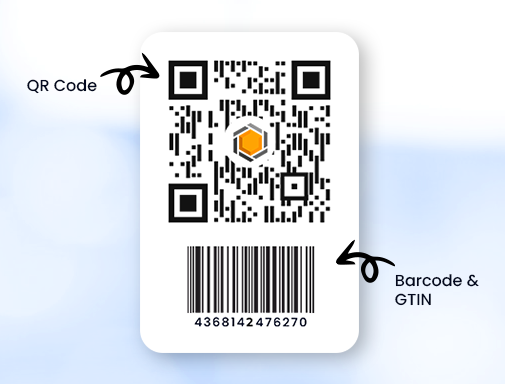
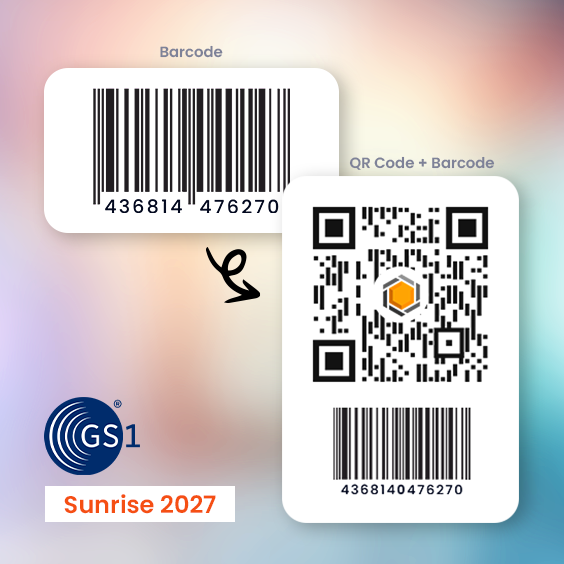
GS1 Sunrise 2027 is the global retail transition toward 2D barcodes at point of sale. During the transition, many products may carry both a traditional 1D barcode and a GS1 Digital Link QR code. This helps brands support existing checkout systems while preparing for richer product data, traceability, authentication, and customer engagement through one scannable code.
Best Practices for GS1 QR Codes
Use these checks before adding GS1 QR codes to product packaging or labels.
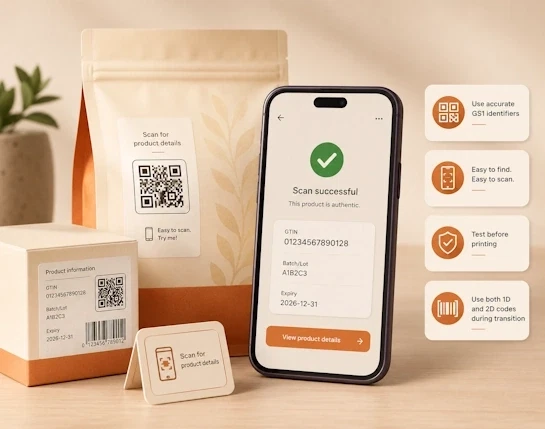
- Use accurate GS1 identifiers: Check GTIN, batch, serial number, expiry date, and other identifiers before saving.
- Keep the QR code easy to scan: Place it on a flat, visible area and avoid folds, curves, glare, or damaged areas.
- Use a clear call to action: Tell customers what they get after scanning, such as product details or warranty.
- Test before printing: Scan the QR code on different devices and check the linked content.
- Use both formats during transition: Use traditional barcodes with GS1 QR codes until retail systems are fully ready.
Create and Manage GS1 QR Codes with QRCodeChimp
QRCodeChimp is built to simplify how you create, manage, and scale GS1 QR codes without technical complexity. From setup to deployment, everything is designed to help you move faster while delivering better product experiences.
Built for ease of use
Create GS1 QR codes without technical knowledge. The platform is simple, intuitive, and designed to get you started quickly.
All-in-one platform
From GS1 QR code creation to design, linking, and analytics, everything is available in one place, so you don’t need multiple tools.
Bulk ready
Generate GS1 QR codes for many products at once using bulk upload. This helps packaging and operations teams save time.

Brand friendly
Design QR codes that match your packaging and brand identity while keeping the GS1 Digital Link structure intact.
Dynamic and measurable
Update linked content after printing and use scan analytics to understand customer engagement across products and markets.
Standards aligned by default
Every code is built using GS1 Digital Link structure, so 2D-capable POS systems can read product identifiers while customers can scan the same code on a phone.
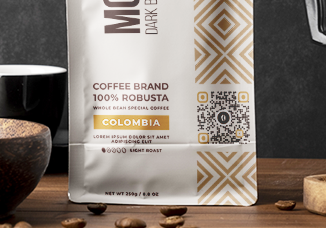
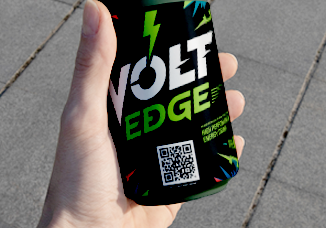
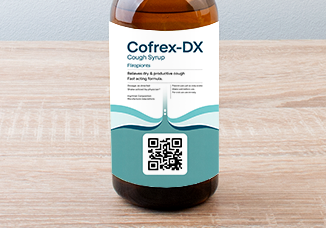
GS1 QR Codes Driving Value Across Industries
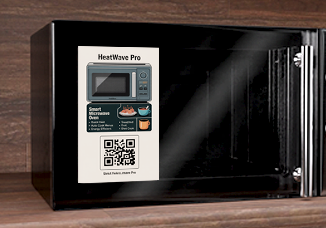
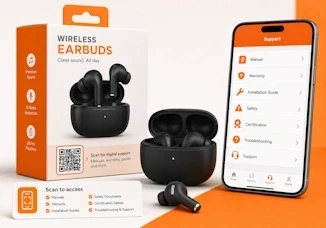
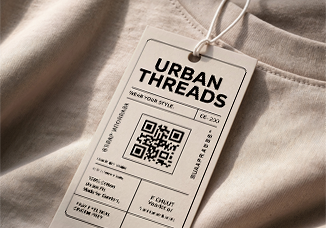
See how GS1 QR codes apply across industries to improve product information, transparency, and customer experience.
Frequently Asked Questions
- How to create a GS1 QR code?
- What is the difference between a GS1 QR code and a regular QR code?
- Do I need a GTIN to create a GS1 QR code?
- Can one GS1 QR code be used for both retail and consumers?
- What is GS1 Sunrise 2027?
- Why use QRCodeChimp’s GS1 QR code generator?
- Can I update a GS1 QR code after printing it?
- Will GS1 QR codes replace barcodes in 2027?
- What is the difference between a Product QR code and a GS1 QR code?
- Can customers scan GS1 QR codes with a phone?
- Can I create GS1 QR codes in bulk?
- Is a GS1 QR code the same as a normal QR code?
Frequently Asked Questions
How to create a GS1 QR code?
To create a GS1 QR code in QRCodeChimp, sign in to your account, open the GS1 QR Code solution, enter your GTIN, add qualifiers or attributes if needed, choose the output type, and save the code. For the full step by step guide, read our help article: How do I create a GS1 QR Code?
What is the difference between a GS1 QR code and a regular QR code?
GS1 QR code follows a standardized structure using GS1 identifiers like GTIN and supports Digital Link for product information and traceability. A regular QR code typically links to a single URL and is not designed for supply chain or retail use.
Do I need a GTIN to create a GS1 QR code?
Yes, a GTIN is the primary identifier in most GS1 QR codes. It ensures your code is uniquely linked to your product and follows GS1 standards.
Can one GS1 QR code be used for both retail and consumers?
Yes, the same GS1 QR code can be scanned at retail checkout and by consumers. It supports product identification while also providing access to digital content like product details, recipes, or manuals.
What is GS1 Sunrise 2027?
GS1 Sunrise 2027 is a global initiative to enable 2D barcodes, such as GS1 QR codes, to be scanned at retail point-of-sale. It marks the transition from traditional barcodes to more data-rich formats.
Why use QRCodeChimp’s GS1 QR code generator?
QRCodeChimp simplifies the creation of GS1 QR codes by handling structure, linking, and customization in one platform. It allows you to generate compliant codes, manage content, and scale across products without complexity.
Can I update a GS1 QR code after printing it?
Yes, if you create it as a dynamic QR code, you can update the linked product information or output content. GS1 input fields such as GTIN, batch, serial number, and expiry stay locked after saving.
Will GS1 QR codes replace barcodes in 2027?
Not immediately for every product or retailer. Sunrise 2027 is about preparing retail POS systems to read and process approved 2D barcodes alongside existing linear barcodes. During the transition, many brands may use both a 1D barcode and a GS1 Digital Link QR code until retail systems and packaging workflows are fully ready.
What is the difference between a Product QR code and a GS1 QR code?
A Product QR Code links customers to a product landing page. A GS1 QR Code follows the GS1 Digital Link structure and can include identifiers such as GTIN, batch, serial number, and expiry for product identification, retail readiness, and traceability.
Can customers scan GS1 QR codes with a phone?
Yes. Customers can scan GS1 QR codes with a smartphone to access the linked product information, such as product details, manuals, instructions, warranty pages, certifications, offers, or support content.
Can I create GS1 QR codes in bulk?
Yes. You can create GS1 QR codes in bulk for multiple products, SKUs, batches, or variants using structured product data.
Is a GS1 QR code the same as a normal QR code?
No. A GS1 QR code uses the GS1 Digital Link structure and can include identifiers such as GTIN, batch, serial number, and expiry date. A normal QR code usually points to a standard URL.