Are you tired of emailing text and links to yourself from laptop to mobile phone?
Wish to have an easier way to forward URLs from desktop to Whatsapp?
Is your phone full of screenshots from your computer of links that cannot be clicked?
Are you still trying to remember website names but failing to, given the long and ugly URLs?
We are here to help!
The QRCodeChimp beautification studio plug-in for Google Chrome is the best way to generate and share QR codes of weblinks and selected text. It can easily be installed from Chrome Web Store for the easiest and fastest way to share URLs.
Don’t worry; it is easier than you think!
How to use QRCodeChimp’s QR Code Generator Chrome Extension?
1. If you do not already have Google Chrome installed on your computer, download it for your respective OS here.
2. Go to Chrome Web Store.
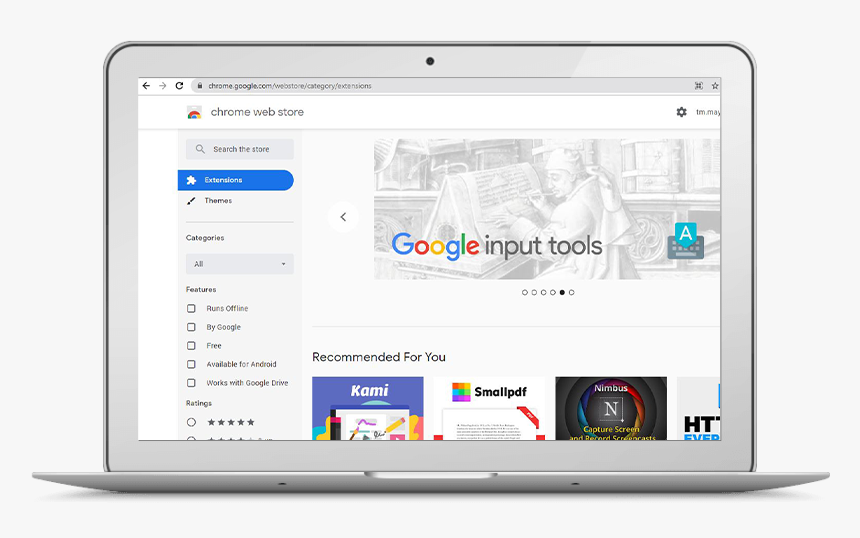
3. Search for the QRCodeChimp QR code maker on the search bar.
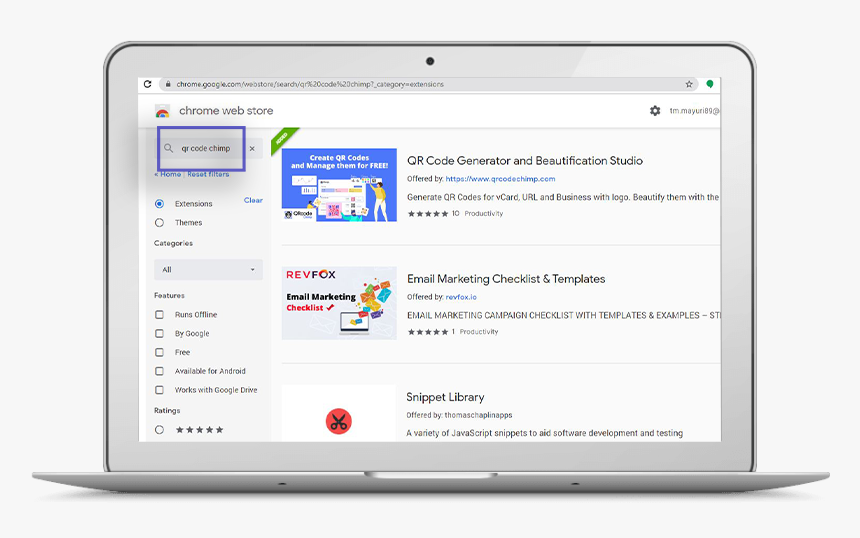
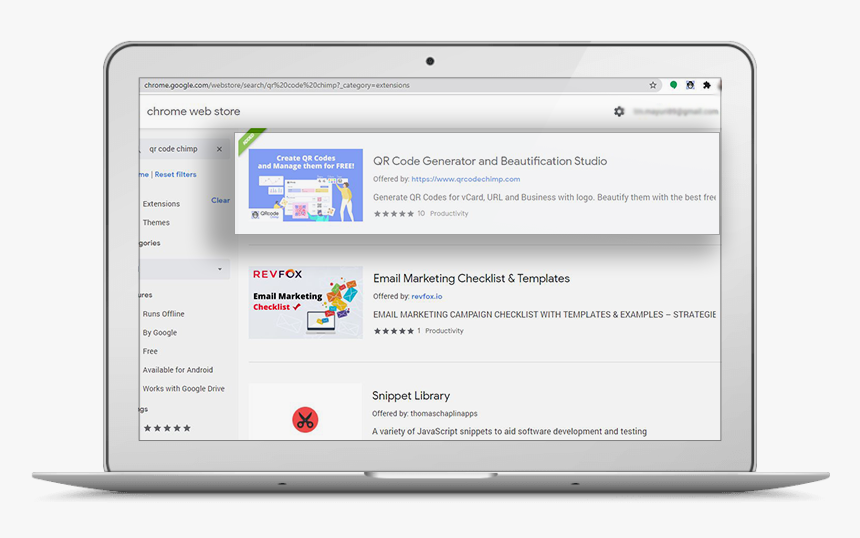
4. Click on QRCodeChimp’s extension for Google Chrome.
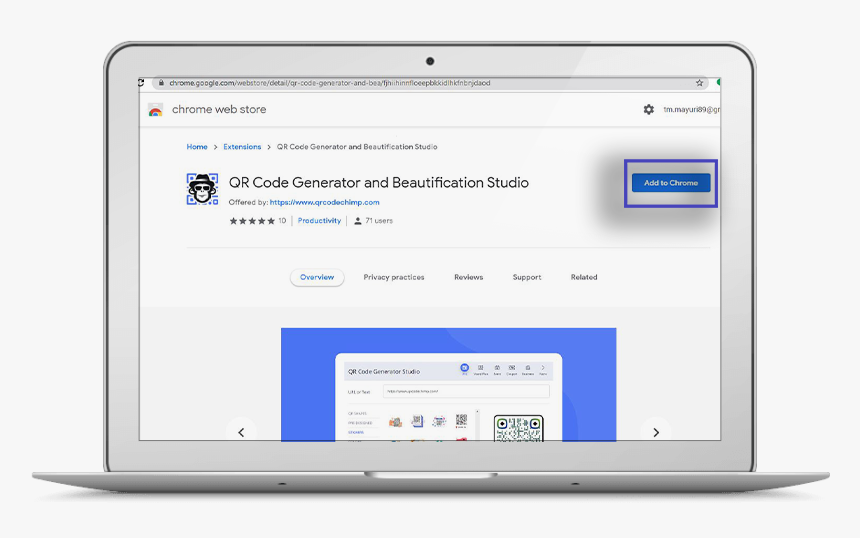
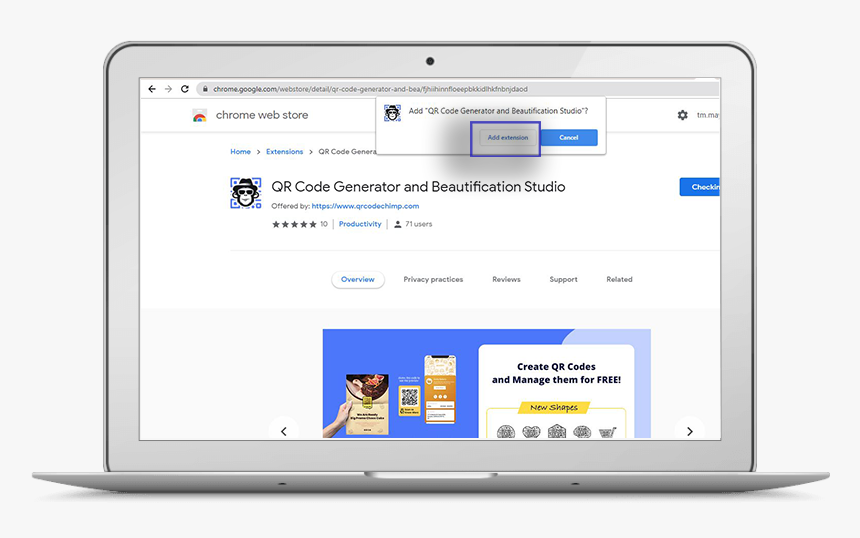
5. Click on the ‘Add to Chrome’ button to initiate the installation.
6. Click on “Add Extension” to add the QR Code generator extension to Chrome.
7. You can access the extension from the top right corner of Google Chrome’s toolbar.
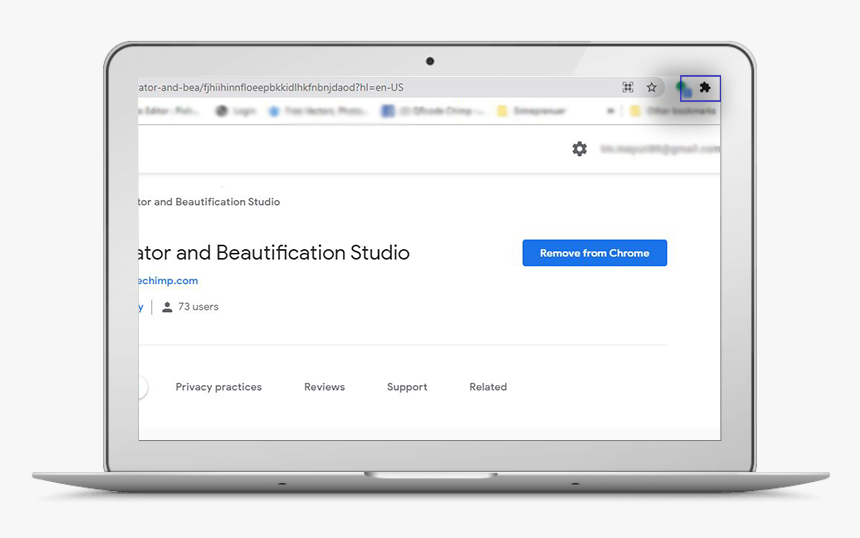
8. See the extension? Now do a little dance for eliminating all the emails to yourself.
Why is QRCodeChimp’s QR Code Generator Chrome Extension useful?
- QRCodeChimp QR code generator for Google Chrome can create QR customized codes for any web page in one simple click.
- It is excellent for sharing URLs of websites with peers, friends, or on social media.
- QR Code generator extension for Chrome can work offline too.
- You can download the QR code generator extension on any OS device, as long as it has Chrome installed in it.
- QR Code Chimp generator does not use any third-party service for generating QR codes, thereby making it privacy-friendly.
How do I know my Google QR Code?
- To scan the QR Code, you must be already signed in to your Google Account on the device you wish to use.
- Scan the QR Code from the in-built QR Code scanner via a smartphone camera.
- Select the banner and follow the instructions to sign in.
- If your smartphone does not support Android 9 or higher, download an app to scan QR Codes. The apps are readily available on android as well as iPhones.
QRCodeChimp has a QR Code generator extension for Chrome to share URLs and text hassle-free; you may use it to create a QR code for virtual business card. Try our QR code generator extension for Google Chrome now!
You may also like
How a Consumer Electronics Brand Fixed Its Post-Purchase Gap Using Form QR Codes
Learn how a consumer electronics brand improved warranty registration and post-purchase engagement using Form QR Codes. Discover the strategy, implementation, and results.
When Excel Broke: How QRCodeChimp Simplified Digital Business Cards for a Fast-Growing IT/ITES Enterprise
Discover how a fast-growing IT/ITES enterprise replaced Excel uploads with QRCodeChimp’s form-based automation to create branded digital business cards faster, with HR control.
How to Build Meaningful Connections at Conferences
Build meaningful connections at conferences with these practical networking tips. Learn how to start authentic conversations, follow up, and nurture professional relationships.
How to Make a QR Code for a Link?
Explore how to create a QR code for a link like your website, social media, or YouTube. QR codes will enhance traffic and engagement on your digital platforms.
Most Popular
Contact Sales
