QR codes are like magic tools for sharing information quickly and effortlessly. But let’s talk about one of the unsung heroes of the QR code family: the text QR code.
It’s incredibly simple and practical. Whether you’re looking to share instructions, passwords, or important information, a Text QR code has got you covered.
And the best part? People can access your content instantly, even without an internet connection.
Let’s explore more and see how to generate a QR code from text!
What is a Text QR code?
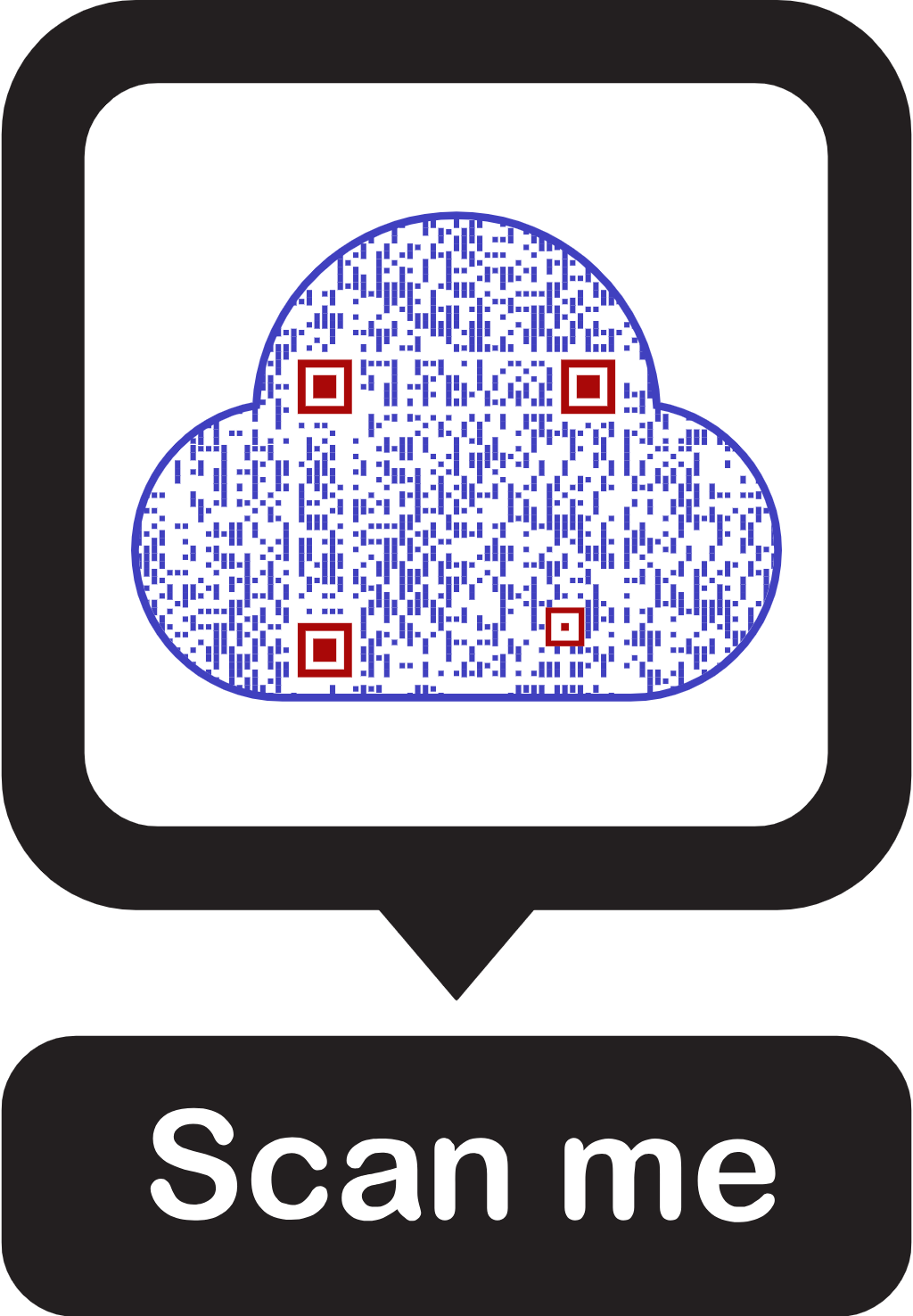
A Text to QR code allows you to share simple text, like words, sentences, digits, numbers, and special characters. The text is displayed instantly after scanning the QR code, and users don’t need an internet connection to view it.
How to generate a QR code from text?
Creating a text-to QR code is easy and takes a few minutes with QRCodeChimp’s QR Code Generator for Text.
Note: Text QR code is a static QR code.
Follow these steps to create a QR code for text:
Step 1: Login and select the text QR code
Log into your QRCodeChimp account and go to the Text QR Code solution.

Step 2: Enter your text
Enter your text in the ‘Text’ field.

Step 3: Design your QR code
Click on ‘Design Color and Decorate QR Code’ to customize your QR Code design (ex: adding color, shape, sticker).
Note: Click on the ‘x’ icon of the ‘Customize QR Code’ popup to save changes.

Step 4: Save and download
Save the QR Code by clicking on the ‘Save QR Code’ button, entering the QR name, and then clicking on ‘Save.’

Did you know?
The usage of mobile QR code scanners is projected to experience constant growth, reaching over 100 million users in the U.S. by 2025.
Where can I use a Text QR code?
You can use a QR code from text at various places, including:
Notice boards: Display important messages or announcements for easy access and quick reference for schools or colleges.
Sharing answer keys or schedules: The education sector can benefit greatly from the use of QR codes for various purposes. For instance, sharing timetables and answer keys via QR codes offers a quick way to share information. Students can easily access updated schedules and answer keys by scanning a QR code with their smartphones. This not only saves time but also reduces the need for printed materials.
Sharing passwords: A text QR code can be used to share passwords easily. In an office, it can help share common passwords with the team quickly.
Benefits of using a Text QR code
Here are some benefits of using a QR code for text:
No internet connection required: Users can scan and view the text without needing an internet connection, broadening accessibility.
For example, users can still scan QR codes in remote areas with limited or no internet access. This is particularly beneficial for professionals working in the field, such as surveyors, researchers, or construction workers, who may need to access critical information on-site without relying on internet connectivity.
Securely sharing alphanumeric information: A QR code for text can be a convenient and secure way to share alphanumeric passwords. Unlike other methods, it allows for password sharing without requiring an internet connection.
Get ready for seamless text-sharing!
In an office environment, a QR code containing the password can be placed in a secure, employee-only area. Team members can then use their mobile devices to scan the QR code and access the password of specific software or confidential documents. This promotes efficient and secure sharing of confidential information within the organization.
Conclusion
Text QR codes are an efficient and engaging way to share information with a large audience without the need for printing or internet access. Their simplicity and versatility make them ideal for various applications, from educational notices to product packaging.
By using Text QR codes, you can enhance engagement and ensure your message reaches a wider audience effortlessly.
Start generating your own Text QR codes today and experience the benefits firsthand!
Let’s make text sharing effortless.
Frequently asked questions about Text QR code
How do I create a Text QR code?
Creating a Text QR code is easy. Enter your text in the ‘Text’ field, customize the design if desired, save, and download your QR code.
Do I need an internet connection to scan a Text QR code?
No, an internet connection is not required to scan and view a Text QR code. The text is displayed directly on the scanning device.
Can I customize the design of my Text QR code?
Yes, you can customize your Text QR code by adding colors, shapes, and stickers to make it more appealing.
How can a Text QR code increase engagement?
Text QR codes spark curiosity and encourage users to scan them, leading to higher interaction rates with your content.
Can Text QR codes be used for commercial purposes?
Yes, businesses can use Text QR codes to provide product details, instructions, promotional messages, and more.
How long does a Text QR code last?
A Text QR code does not expire and will continue to work indefinitely as long as the printed or displayed QR code remains scannable.
You may also like
Approval-Based Digital Business Cards: A Smarter Workflow for HR Teams
Discover how approval-based digital business cards help HR teams ensure branding consistency, prevent misuse, and manage employee cards at scale.
QRCodeChimp’s Analytics Dashboard: A Step-by-step Guide
A guide to QRCodeChimp’s analytics dashboard. Leverage the unique advanced features and metrics to optimize your marketing campaigns.
Link Click Analytics in QRCodeChimp: How To Find Your Top Performing Links
Learn how to track link click analytics in QRCodeChimp, identify top-performing links, and optimize QR code campaigns using link-level insights and analytics.
When Excel Broke: How QRCodeChimp Simplified Digital Business Cards for a Fast-Growing IT/ITES Enterprise
Discover how a fast-growing IT/ITES enterprise replaced Excel uploads with QRCodeChimp’s form-based automation to create branded digital business cards faster, with HR control.
Most Popular
Contact Sales
