Why QRCodeChimp Checks a QR Link Before Redirecting You
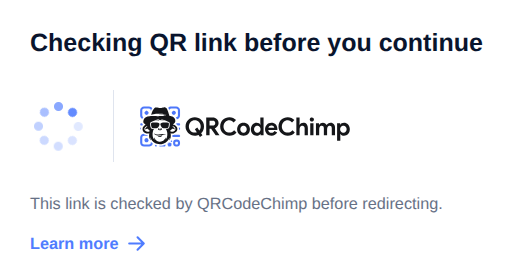
When you scan a QR code powered by QRCodeChimp, you may briefly see a message like:
“Checking QR link before you continue.”
This screen appears for a short moment before you are redirected to the final website, profile, menu, form, PDF, or landing page connected to the QR code.
It simply means that the QR code link is being processed through QRCodeChimp before sending you to the destination.
Why am I seeing this page?
You are seeing this page because the QR code you scanned is hosted and managed by QRCodeChimp.
Before redirecting you, QRCodeChimp briefly checks the QR link and prepares the destination. This usually takes only a moment.
What does QRCodeChimp check?
QRCodeChimp processes the QR code scan so the correct destination can open. This helps support features such as:
- Dynamic QR codes
- Editable QR destinations
- Scan analytics
- Digital business cards
- PDF, menu, form, and landing page QR codes
- Campaign tracking
- Safe and reliable redirection
Does QRCodeChimp control the final destination?
The final destination is set by the QR code owner.
QRCodeChimp does not randomly change where a QR code sends you. The QR code may open a website, digital business card, PDF, menu, form, social profile, event page, or another destination selected by the person or business that created it.
Why was I not redirected instantly?
Most QR codes redirect almost immediately.
Sometimes, you may briefly see this page while QRCodeChimp checks and processes the link before continuing. This is normal and usually takes just a second.
Is this QR code powered by QRCodeChimp?
Yes. If you are seeing this page, the QR code you scanned is managed using QRCodeChimp.
QRCodeChimp is a QR code management platform used by businesses, professionals, creators, restaurants, events, and organizations to create, manage, edit, and track QR codes.
What should I do now?
You do not need to do anything.
Please wait for a moment, and you will be redirected automatically.
If the page does not continue, you can scan the QR code again or contact the person or business that shared the QR code with you.
Most Popular
Contact Sales
