Feedback QR Code Generator
Let customers rate their experience and share feedback with a single scan. Customize the rating screen and feedback form, view submitted responses, and track QR code scans from your QRCodeChimp dashboard.
Create Feedback QR Codes
Trusted by the World’s Top Brands
You are in good hands!
What Is a Feedback QR Code?
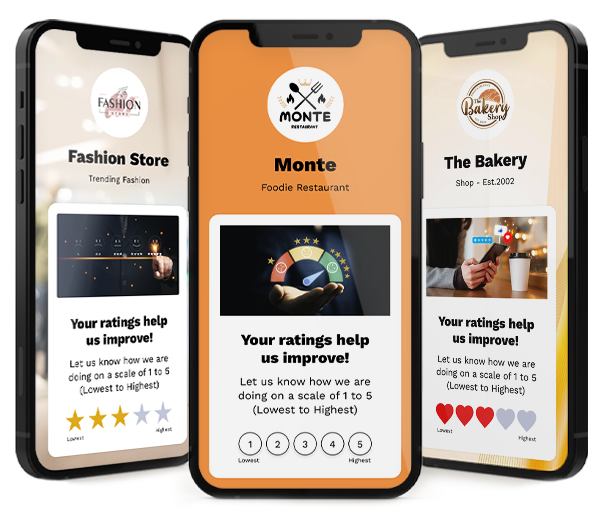
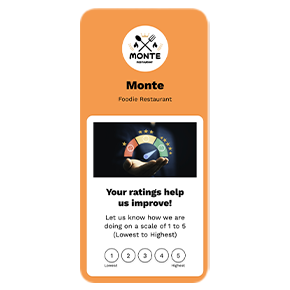
A feedback QR code enables customers to rate your service and access a feedback form upon scanning, making it easy for them to share their opinions. Businesses seeking to gather customer feedback can use feedback QR codes to streamline the process.
Customers can scan the QR code using the camera on most modern smartphones. They can then select a rating and complete the action you have configured.
- Submit detailed feedback
- See a customized completion message
- Visit an external page related to your business
You can collect detailed feedback for low ratings or for all ratings. You can also provide an external review option regardless of the rating a customer selects.
Submitted feedback can help you understand customer concerns, identify positive experiences, and improve your products or services.
Create a Feedback QR Code in Four Steps
Choose a template
Select a feedback page template that matches your business, use case, and brand.
Configure the feedback
Set the rating type, maximum rating, feedback fields, actions, and completion message.
Customize the design
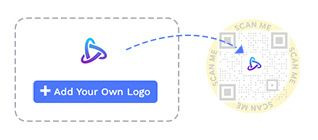
Customize the page and QR code with your logo, colors, fonts, and style.
Save and share
Save, test, and share your feedback QR code across online and offline touchpoints.
For detailed instructions, see the step-by-step guide in the Frequently Asked Questions below.
How Does a Feedback QR Code Work?
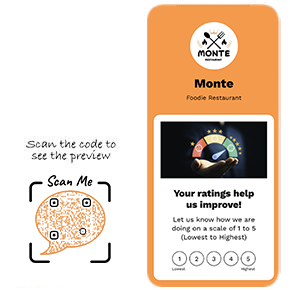
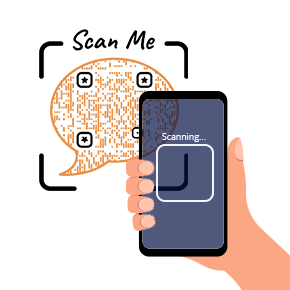
A feedback QR code allows users to give reviews in a few easy steps. Here's how a feedback QR code works:

Why Use a Feedback QR Code?
A feedback QR code makes it easier for customers to share their experience without typing a URL or downloading an app. By placing the QR code at relevant customer touchpoints, businesses can collect ratings and feedback while the experience is still recent.
Feedback QR codes can also support reputation management. Businesses can identify recurring concerns, respond to customer issues, and use feedback to improve their products, services, and overall customer experience.
You can collect detailed feedback for specific rating ranges or for all ratings. You can also provide access to an external review page regardless of the rating a customer selects.
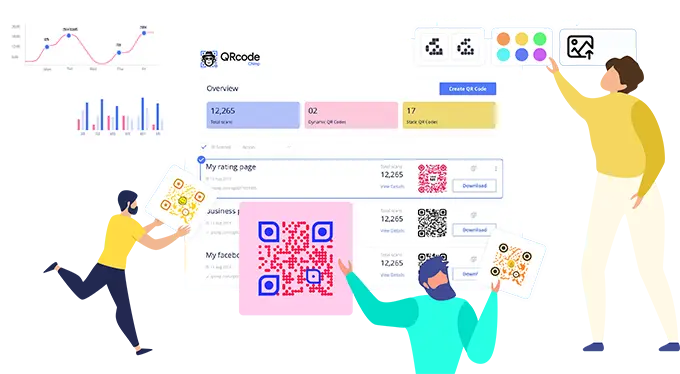
Create and Manage Feedback QR Code with QRCodeChimp
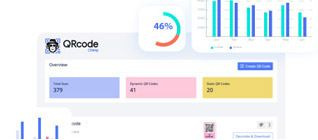
QRCodeChimp lets you create and manage your feedback QR codes. Here are the key features of QRCodeChimp:

Create a Customizable Feedback Form with a QR Code
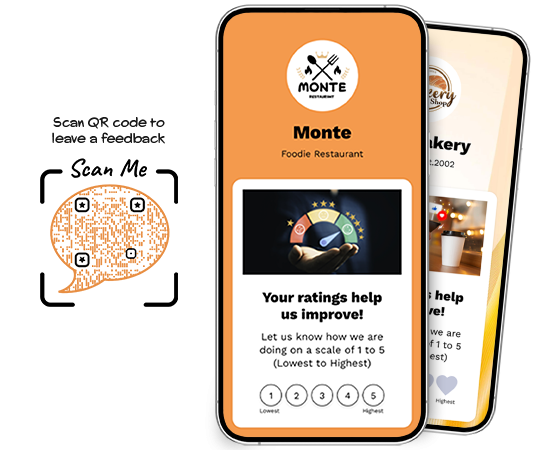
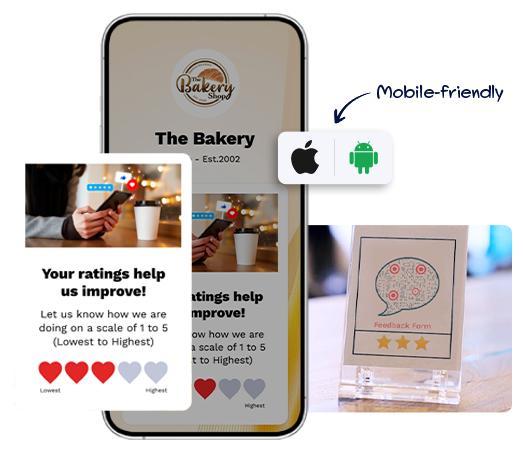
A feedback QR code combines a mobile-friendly rating experience with a customizable feedback form.
Rating type and scale
Choose how customers rate their experience and set the maximum available rating.Rating actions
Display a feedback form, show a completion message, or provide access to an external page.Feedback form
Customize the information customers can submit and update the form heading, description, and fields.Completion message
Create a customized message that appears after a customer completes the configured action.Terms and Privacy Policy
Add or update the Terms and Privacy Policy associated with your feedback form.Page and QR code design
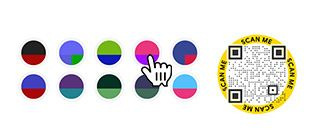
Customize the feedback page and QR code using your logo, colors, fonts, and background.
Manage Feedback Responses and Track Performance
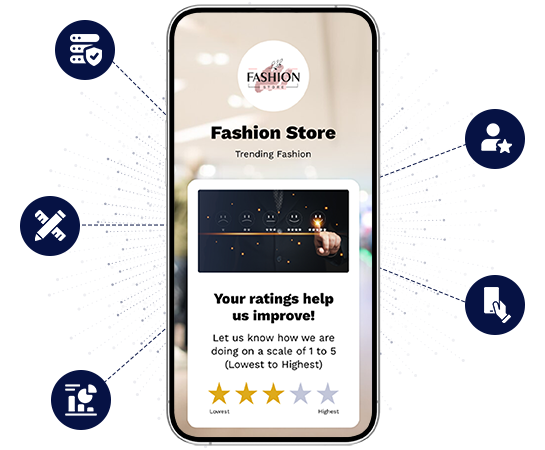
Feedback responses and QR code scan analytics provide different types of information.
View submitted feedback
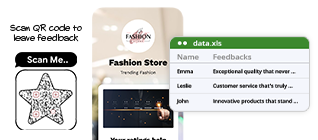
Customer feedback submitted through the form is available under Form Responses in your QRCodeChimp dashboard. You can review submitted responses and download them when needed.
Enable email notifications
You can enable email notifications to receive an alert when a new feedback response is submitted. Notification settings and availability may depend on your configuration and plan.
Track QR code scans
View scan analytics based on time, location, and device.
Understand the difference
A scan shows that someone opened the feedback page. A submitted response shows that the customer completed and submitted the form.
Use Cases of Feedback QR Codes
Feedback QR Codes offer versatile applications for managing customer feedback and enhancing your reputation:





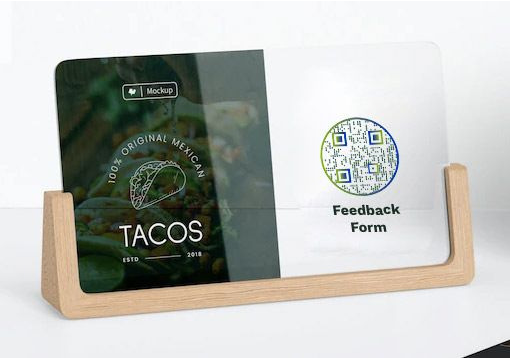
Where to Share Feedback QR Codes
Place your feedback QR code where customers can easily notice and scan it at the right point in their experience.
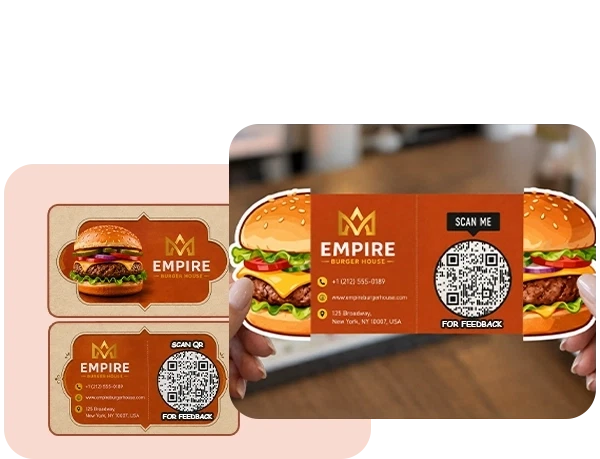
Printed materials
Add feedback QR codes to brochures, flyers, posters, table tents, packaging, business cards, and other printed materials.
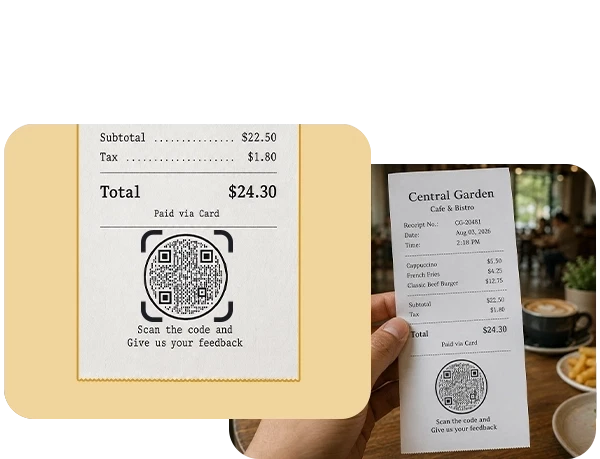
Receipts and invoices
Place the QR code on receipts and invoices so customers can share feedback after a purchase or service interaction.
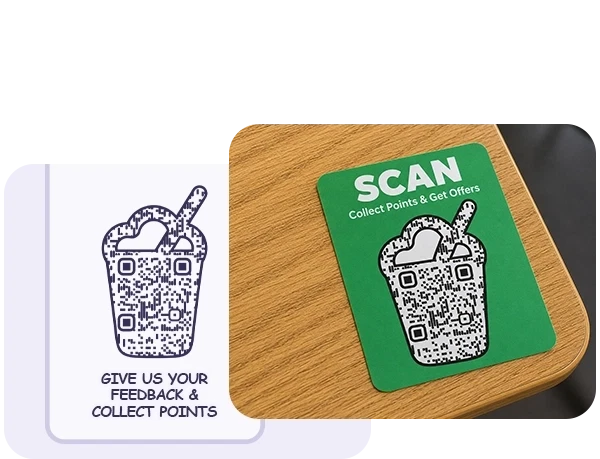
Physical locations
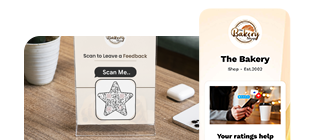
Display feedback QR codes at reception desks, checkout counters, tables, exits, waiting areas, and other prominent customer touchpoints.
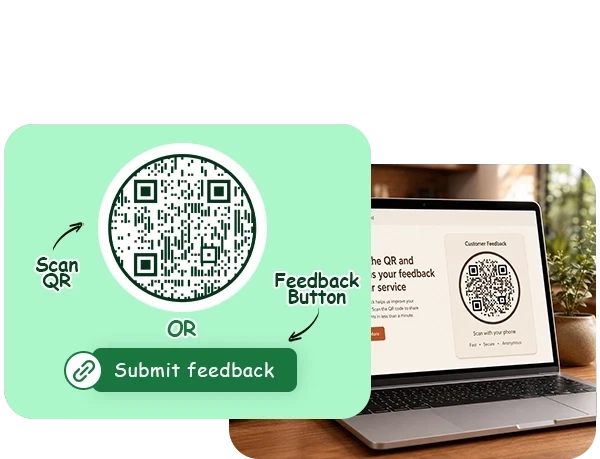
Websites
Embed the feedback QR code on your website or create a feedback button using the feedback page URL.
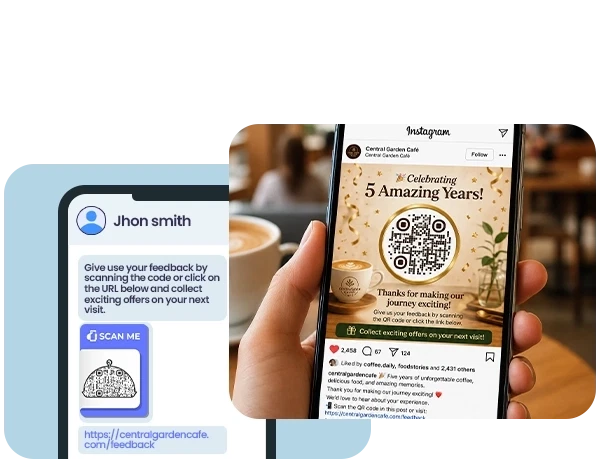
Social media and digital channels
Share the feedback page URL or QR code through social media posts, emails, messages, and other digital channels.
Best Practices for Feedback QR Codes
- Use a clear call to action
Add a short instruction near the QR code, such as “Scan to share your feedback” or “Tell us about your experience.” - Keep the form concise
Ask only for information that is relevant and useful to your business. - Match the design to your brand
Use your logo, brand colors, and a suitable page design to create a consistent customer experience. - Test before publishing
Scan the QR code using different iOS and Android devices. Check the rating screen, feedback form, completion message, and external links. - Provide external review options fairly
Make the external review option available regardless of whether the customer selects a high or low rating. - Review and act on feedback
Regularly review submitted responses, identify recurring concerns, and use relevant feedback to improve your products, services, or customer experience.
Frequently Asked Questions
- How to Create a Feedback QR Code?
- How to Share Feedback QR Codes?
- Why should I use a feedback QR code?
- How can customers provide feedback using the QR code?
- Do customers need an app to scan the feedback QR code?
- Can I edit the feedback form after printing the QR code?
- Where can I view submitted feedback?
- Are feedback responses and scan analytics the same?
- Can I add an external review page?
- Can I customize the feedback page and QR code?
- Can I create feedback QR codes in bulk?
- Is customer feedback data secure?
Frequently Asked Questions
How to Create a Feedback QR Code?
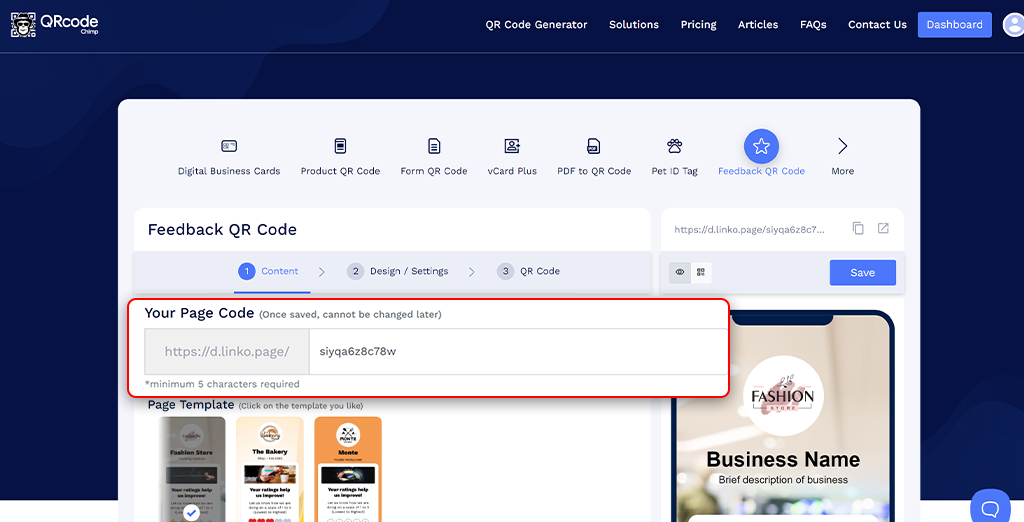
Step 1: Customize Your Page Code (Optional)
Customize the Feedback QR Code URL to your preference (optional).
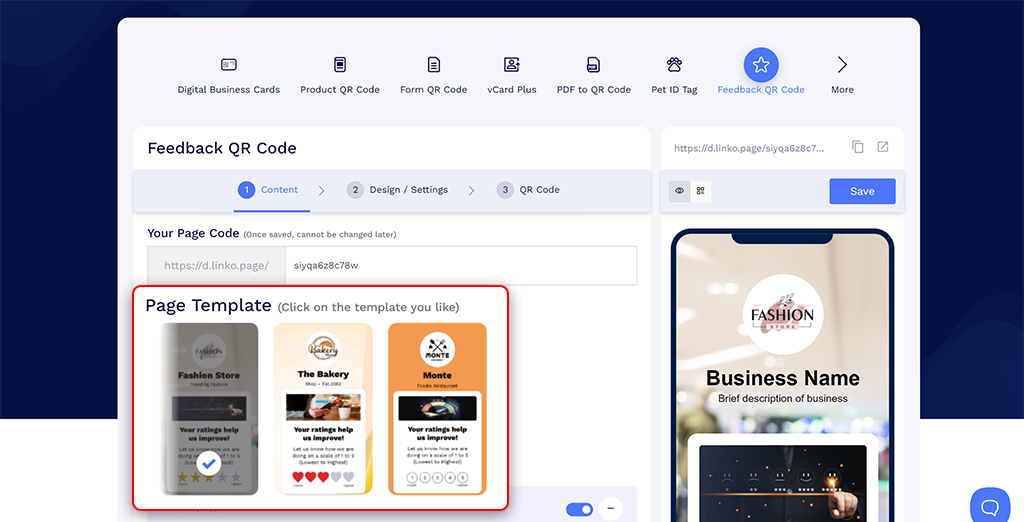
Step 2. Choose a Page Template
Select a page template that fits your theme.
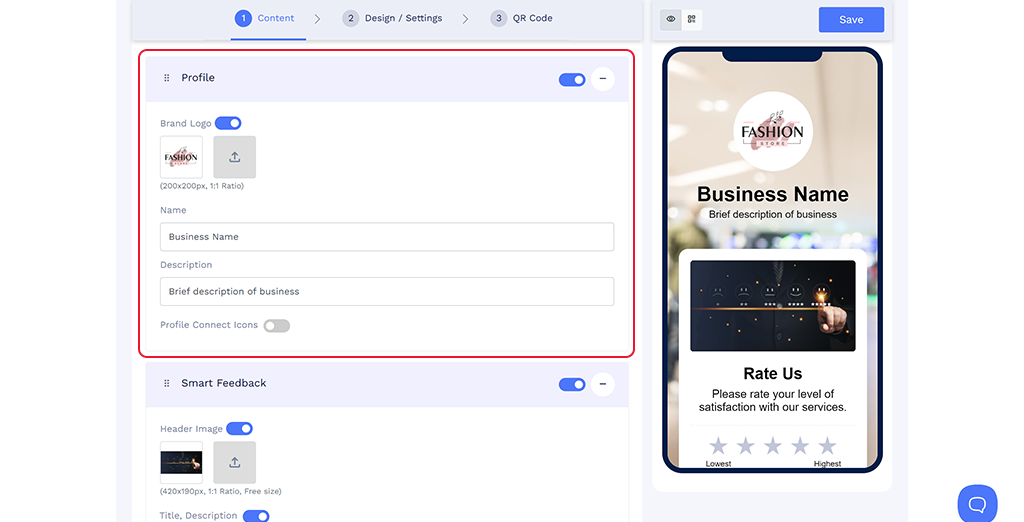
Step 3. Add Profile Information
Add your brand logo, business name, and a brief business description. You can also include profile connect icons for contact shortcuts.
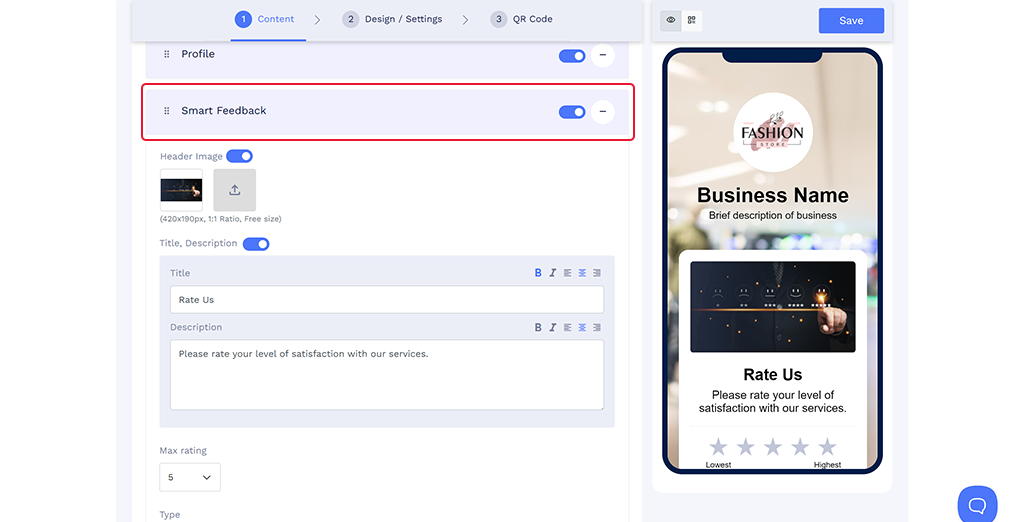
Step 4. Add Feedback Information
Add basic information, set the max rating, select the rating type, set the rating actions, and customize the feedback form and completion message.
Note: Make sure to update the Terms and Privacy Policy.
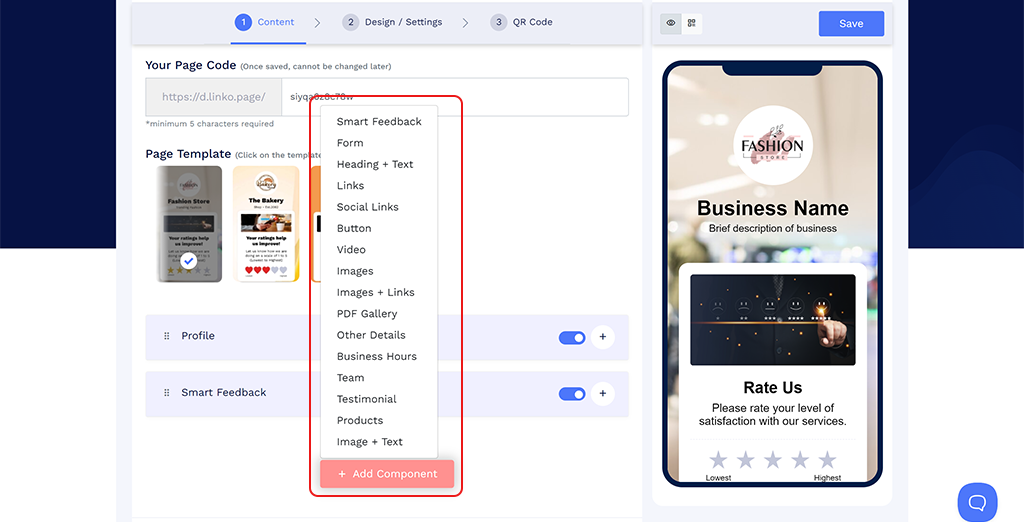
Step 5. Add More Components (Optional)
You can add additional elements such as Heading + Text, Links, Social Links, Button, Video, Images, and more.
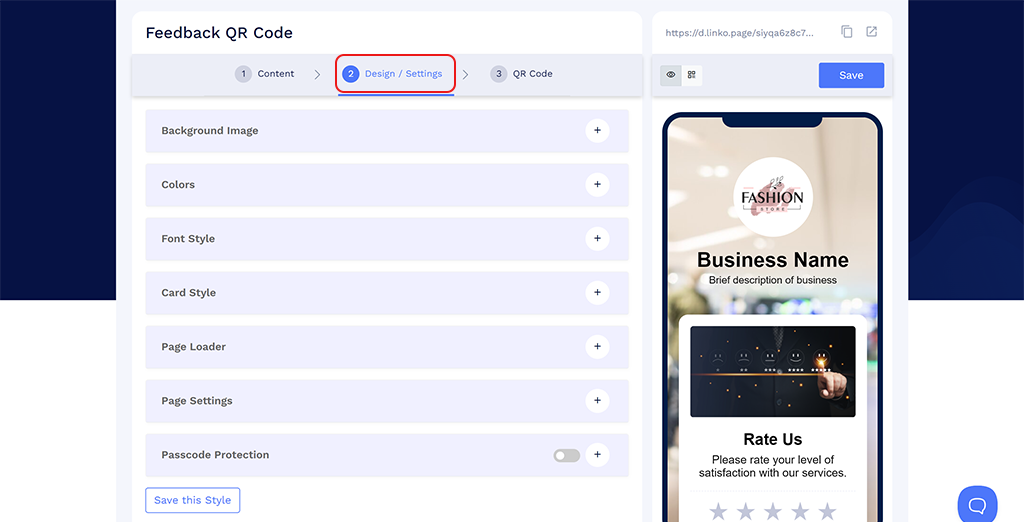
Step 6. Customize Page Design
Click on the 'Design/Settings' tab to customize the page design with background image/video, colors, font style, card style, page loader, and more.
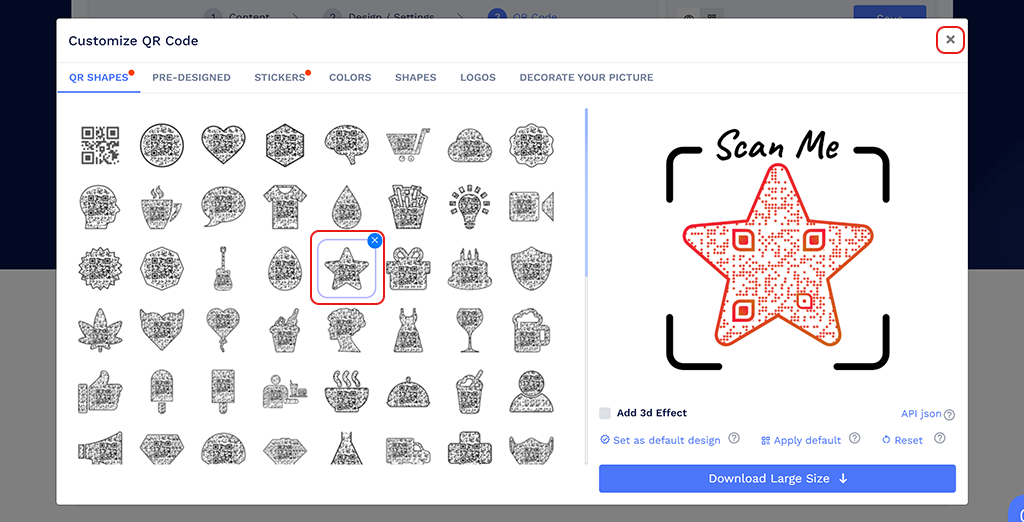
Step 7. Customize the QR Code Design
Click on the 'QR Code' tab to customize your QR Code design (For example, adding shape, color, sticker, and more).
Note: Click on the 'x' icon of the 'Customize QR Code' popup to save changes.
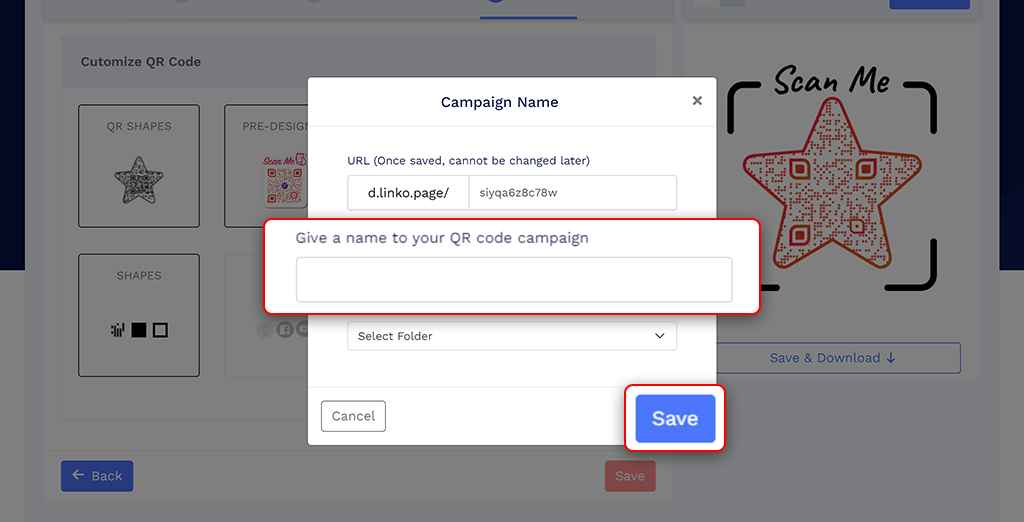
Step 8. Save Your QR Code
Click on the 'Save' button. Enter the QR Code name, edit the URL (optional), select folder (optional), and click on 'Save.'
Note: Make sure to scan your QR Code from different devices (iOS and Android) before printing for production.
Why should I use a feedback QR code?
A feedback QR code makes the feedback process faster and easier for people. They can scan the code to reach the feedback page and submit feedback, resulting in more reviews.
How can customers provide feedback using the QR code?
Customers scan the QR code using the camera on most modern smartphones, select a rating, and complete the action you have configured.
Do customers need an app to scan the feedback QR code?
Most modern iOS and Android smartphones can scan QR codes using the built-in camera. Some older devices may require a QR code scanning app.
Can I edit the feedback form after printing the QR code?
Yes. You can update the feedback page content, form settings, rating actions, and design without printing a new QR code. The page code itself cannot be changed after saving.
Where can I view submitted feedback?
Submitted feedback is available under Form Responses in your QRCodeChimp dashboard. You can review and download responses and enable email notifications for new submissions.
Are feedback responses and scan analytics the same?
No. Scan analytics show when, where, and on which device the QR code was scanned. Feedback responses contain the information customers submitted through the form.
Can I add an external review page?
Yes. You can add an external page as one of the actions customers see after providing a rating. The option can be made available regardless of the rating selected.
Can I customize the feedback page and QR code?
Yes. You can customize the page template, logo, business information, colors, fonts, background, feedback form, completion message, and QR code design.
Can I create feedback QR codes in bulk?
Yes. You can use the bulk-upload workflow to create multiple feedback QR codes on supported plans.
Is customer feedback data secure?
QRCodeChimp is SOC 2 Type II certified and supports security capabilities such as data encryption and multi-factor authentication for account access.