QR codes do not have to look like plain squares.
With a Shape QR code, you can use circles, hearts, houses, stars, location pins, paws, and other designs to make the QR code fit the product, business, or campaign around it.
The goal is not to choose the most unusual shape. Choose one that makes sense in context, keeps the QR pattern clear, and test the finished design before you publish or print it.
QRCodeChimp offers 60+ QR code shapes that you can customize with your colors and logo, preview and test, and make dynamic when needed.
Here is how to choose the right QR code shape, keep it scannable, and create one for your business.
Key Takeaways:
- Choose a QR shape that fits your business, product, or use case.
- Shape, colors, and branding can help QR codes attract more scans.
- Scannability should always come before excessive customization.
- Test shaped QR codes across devices and real-world conditions.
- QRCodeChimp offers 60+ shapes with branding and dynamic QR support.
Which QR code shape should you choose?
The right QR code shape depends on three things:
- where the QR code will appear,
- what the scan is supposed to do, and
- what visual association makes sense to the person seeing it.
Here is a quick starting point.
| Business or use case | Recommended shape |
|---|---|
| Real estate |
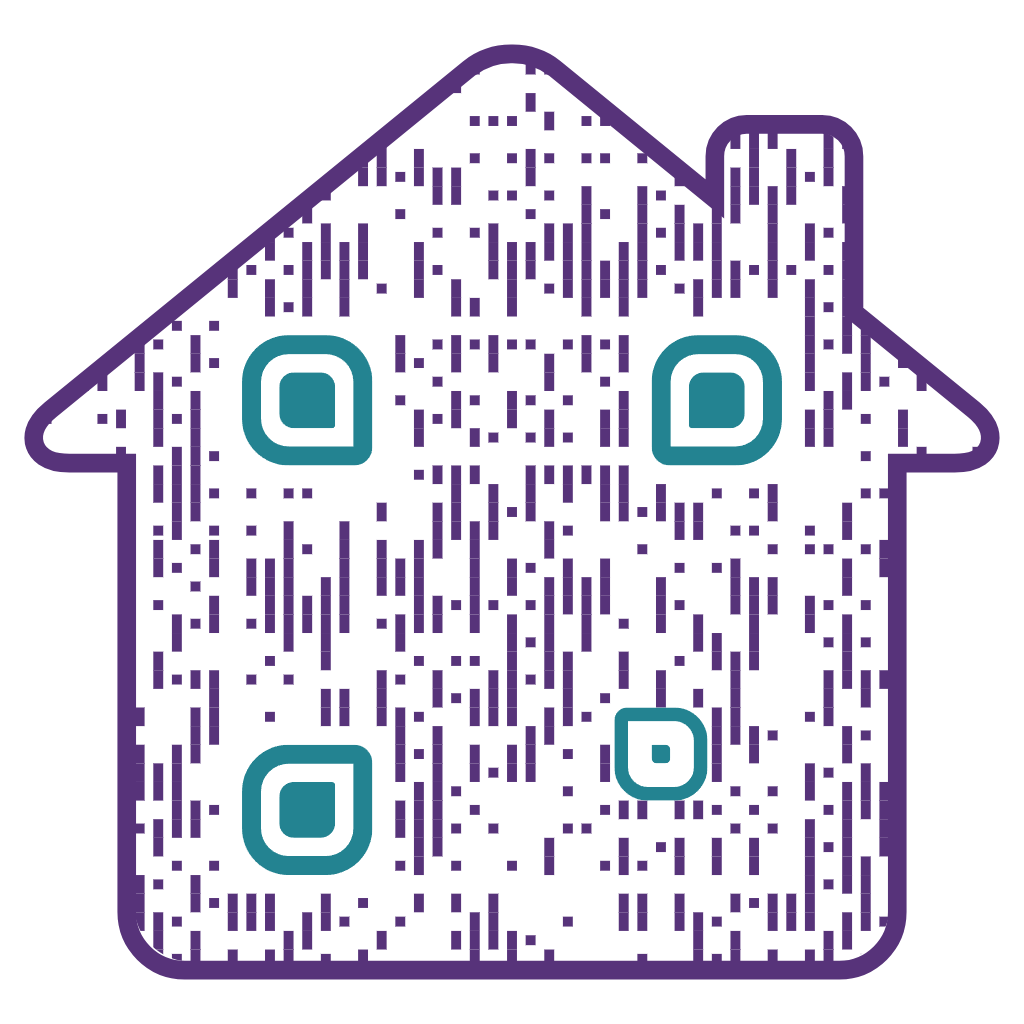
House
Create House QR →
|
| Reviews and ratings |
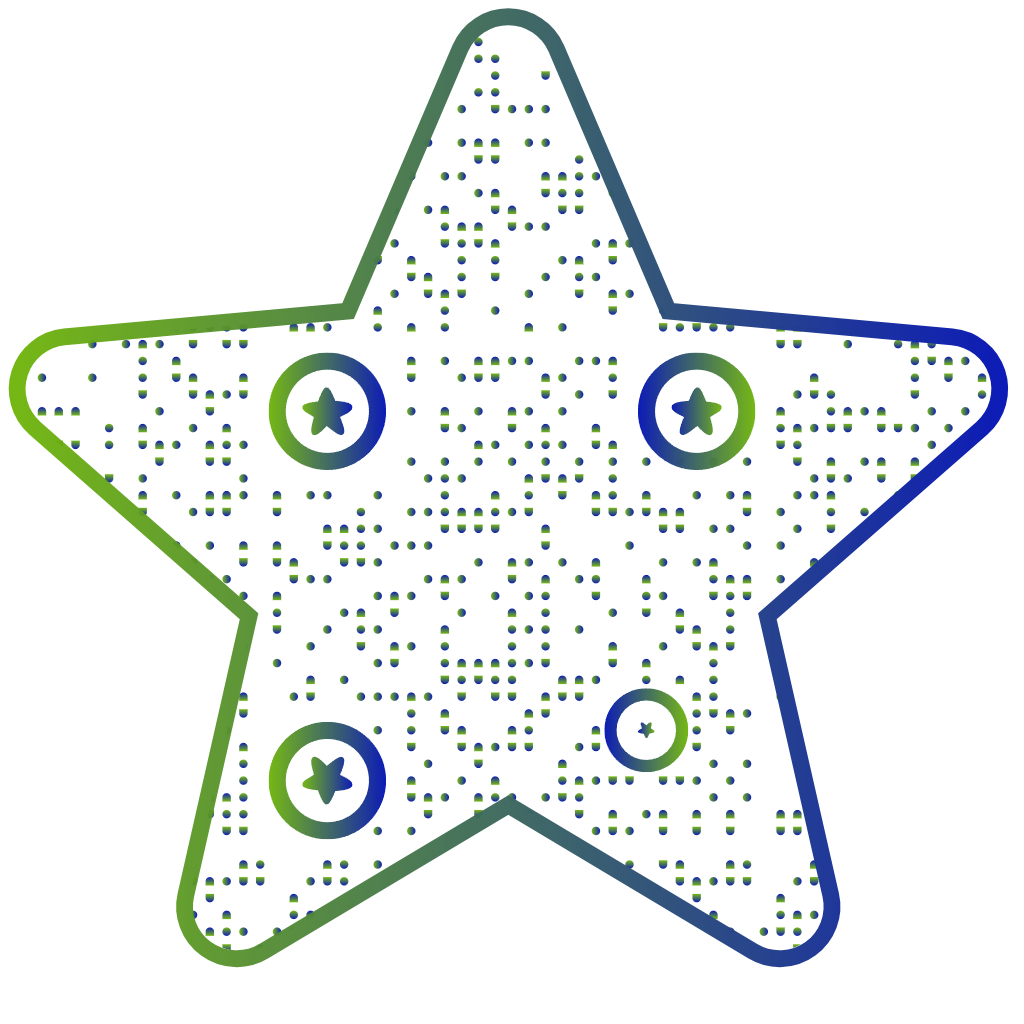
Star
Create Star QR →
|
| Location and directions |
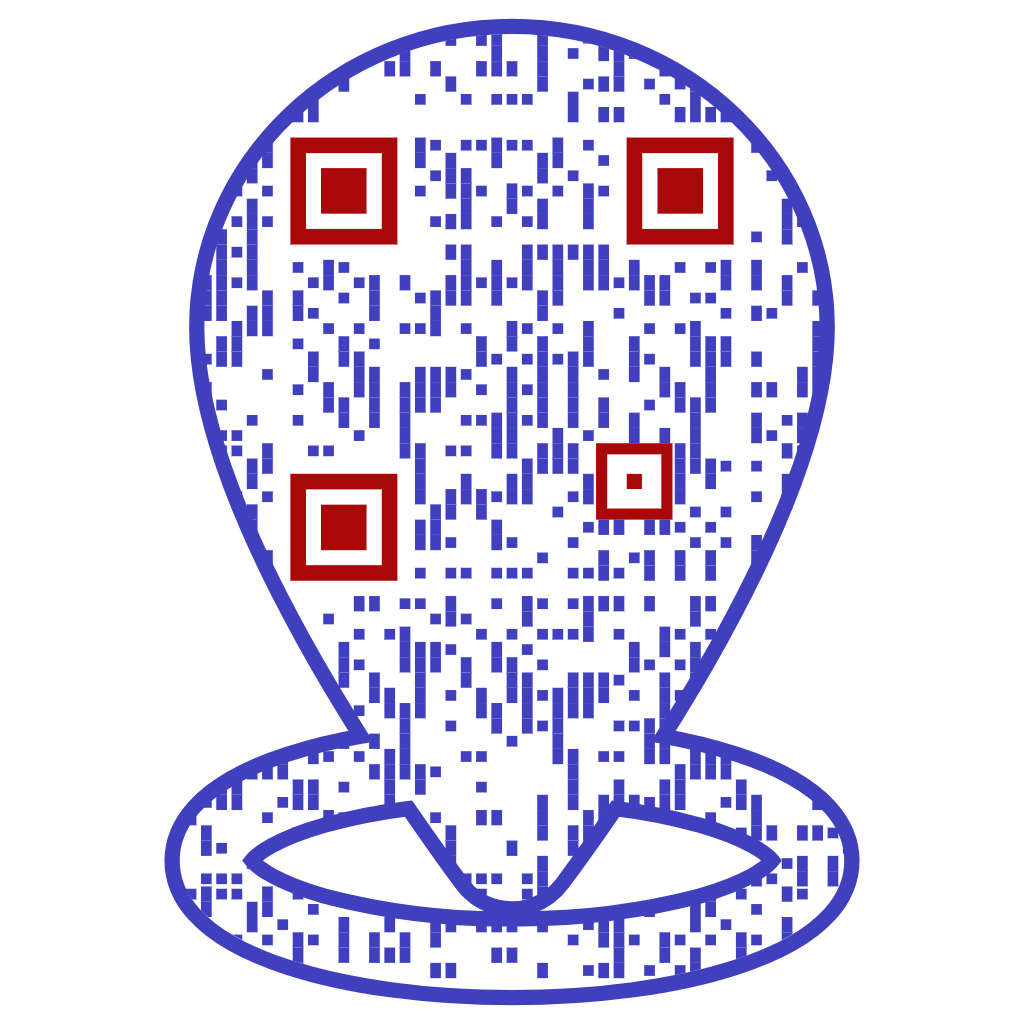
Location pin
Create Location Pin QR →
|
| Pet identification |
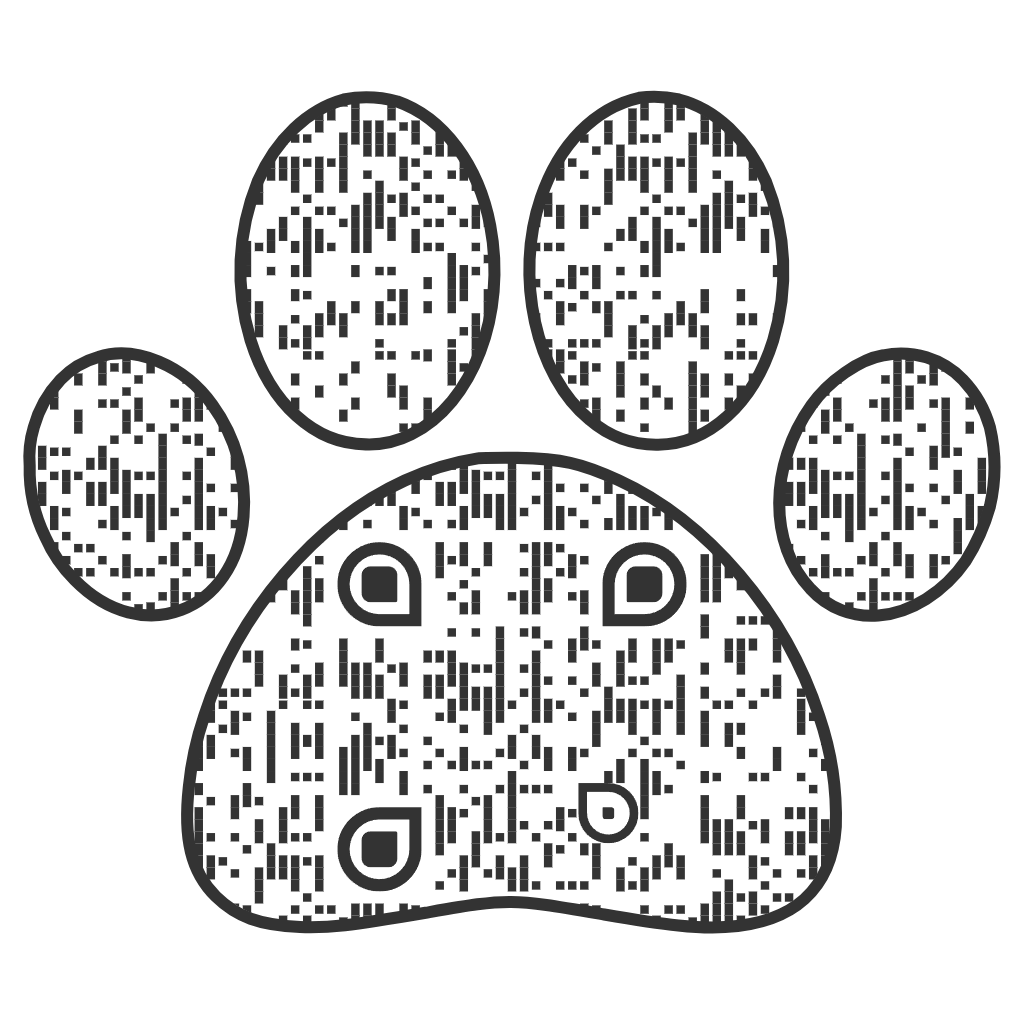
Paw
Create Paw QR →
|
| Offers and gifts |
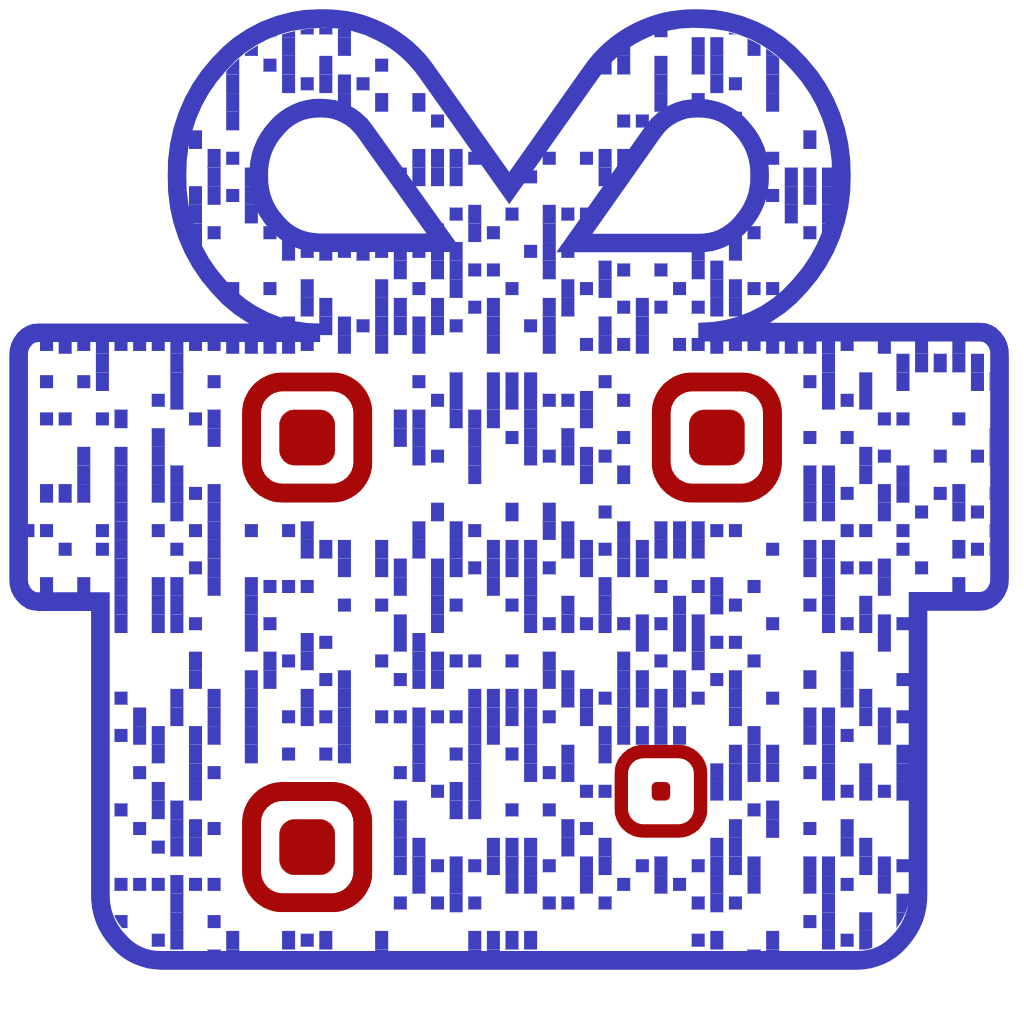
Gift box
Create Gift Box QR →
|
| Weddings and causes |
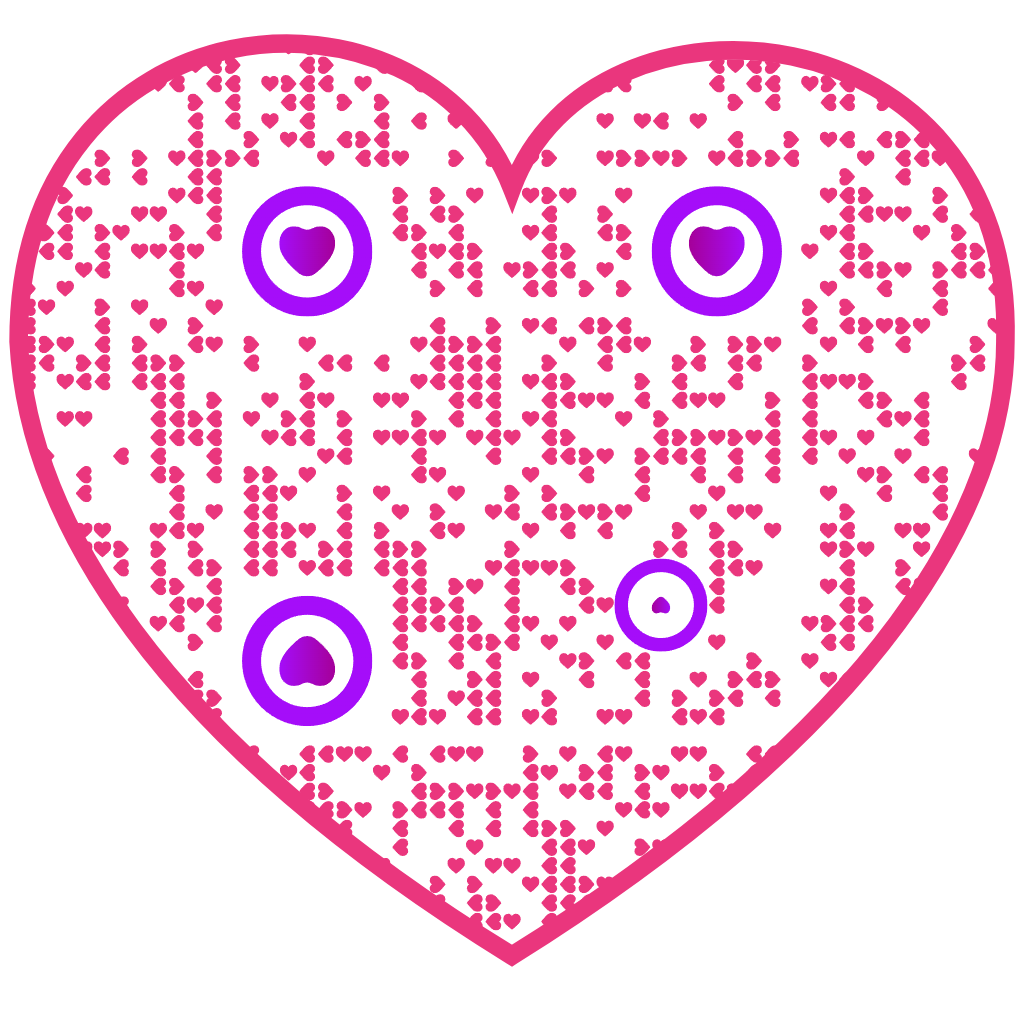
Heart
Create Heart QR →
|
| Technology and industrial |
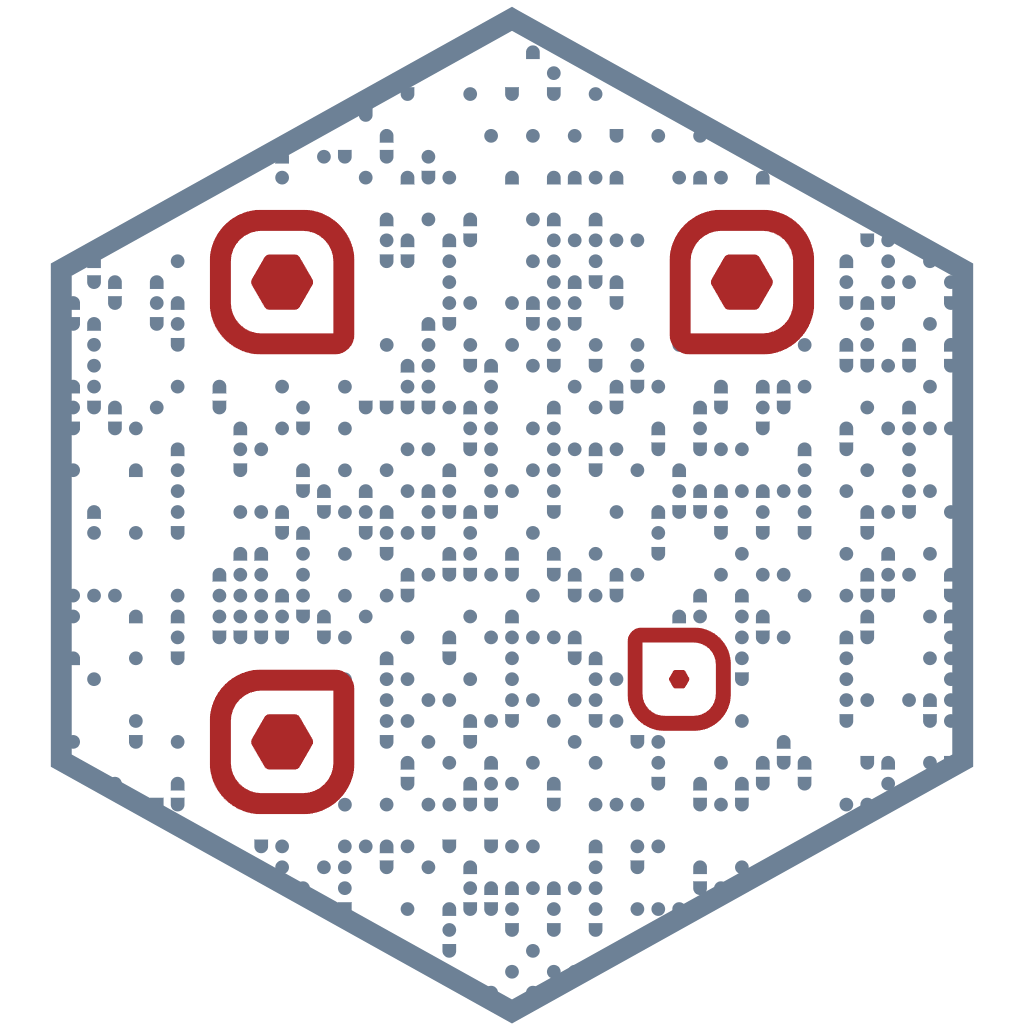
Hexagon
Create Hexagon QR →
|
| General branding |
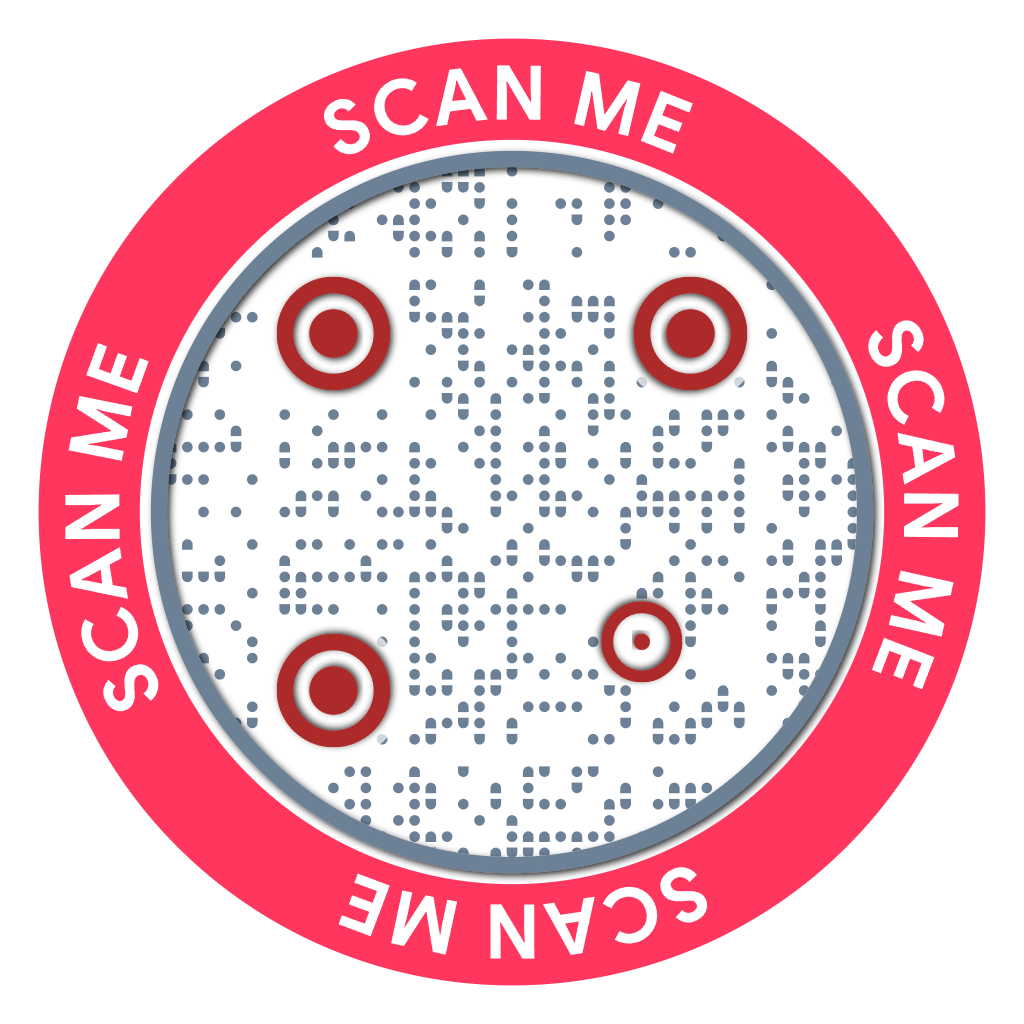
Circle
Create Circle QR →
Square
Create Square QR →
|
You do not need an industry-specific shape for every QR code. If there is no natural match, a square or circle customized with your brand colors and logo may be the better choice.
Create your shape QR code with QRCodeChimp and choose a design that fits your use case.
Do shaped QR codes still scan?
Yes. A shaped QR code can scan reliably when the underlying QR pattern remains readable, and the finished design is tested properly.
The outer shape is only one part of the QR code. Scannability can also be affected by:
- contrast,
- QR code size,
- print quality,
- viewing distance,
- placement,
- lighting,
- glare and reflections, and
- the surface on which the QR code appears.
A QR code that works perfectly on a laptop screen may behave differently when printed small on packaging or placed behind reflective material.
Keep strong contrast
Make sure the QR pattern is clearly distinguishable from its background.
Avoid color combinations that make it difficult for a phone camera to identify the code.
Test at the actual size
Do not test only a large preview on your screen.
If the QR code will appear on a business card, product label, cup, poster, or package, test it at the actual size you plan to use.
Test under real conditions
Think about where people will scan the QR code.
A QR code on a matte poster and the same code printed on glossy packaging can face very different lighting and reflection conditions.
Whenever possible, test the finished QR code on multiple phones and in an environment similar to where customers will encounter it.
Do not customize for appearance alone
A coffee cup-shaped QR code may look perfect on a café counter. But if the code is too small, has poor contrast, or sits under strong glare, the visual fit does not matter.
Customization should support the experience, not interfere with the scan.
If your QR code is having trouble scanning, use QRCodeChimp’s QR code troubleshooting guidance before publishing or printing it.
How to create a shape QR code with QRCodeChimp
Creating a shaped QR code takes three main steps.
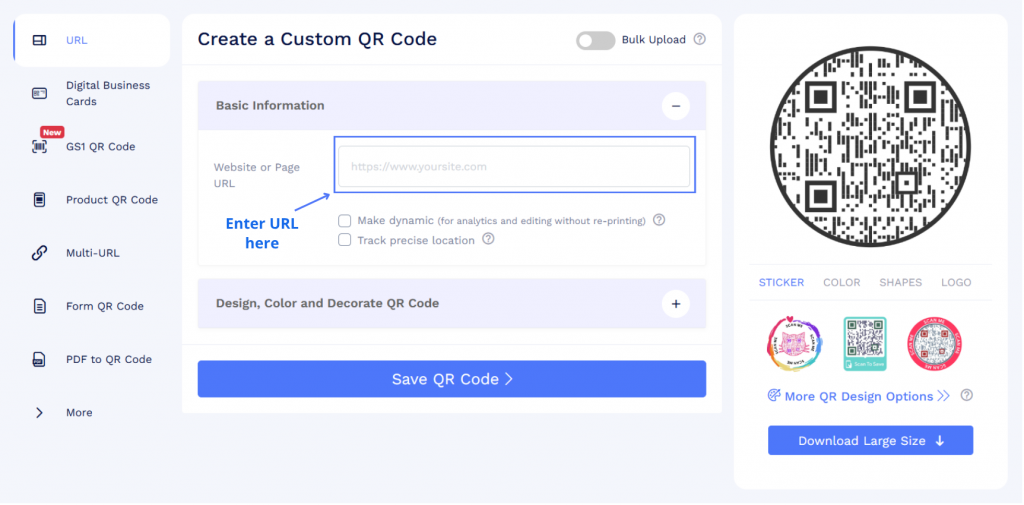
1. Add your destination
Head to qrcodechimp.com and create a free account.
Enter your destination URL in the “Website or Page URL” field under Basic Information.
2. Choose and customize your QR shape
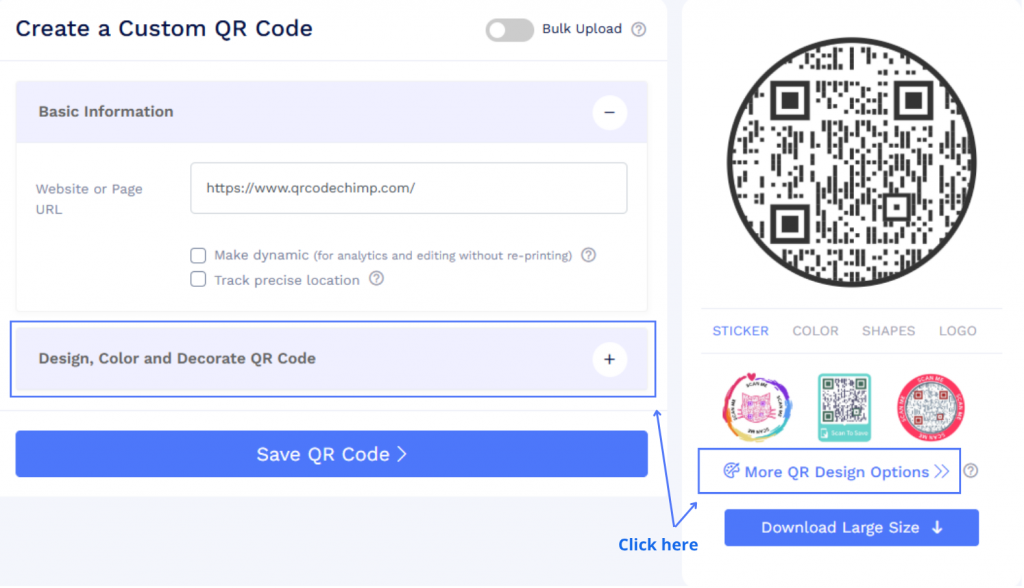
Go to the “Design, Color, and Decorate QR Code” menu.
Under the “QR Shapes” tab, choose the shape you want to use.
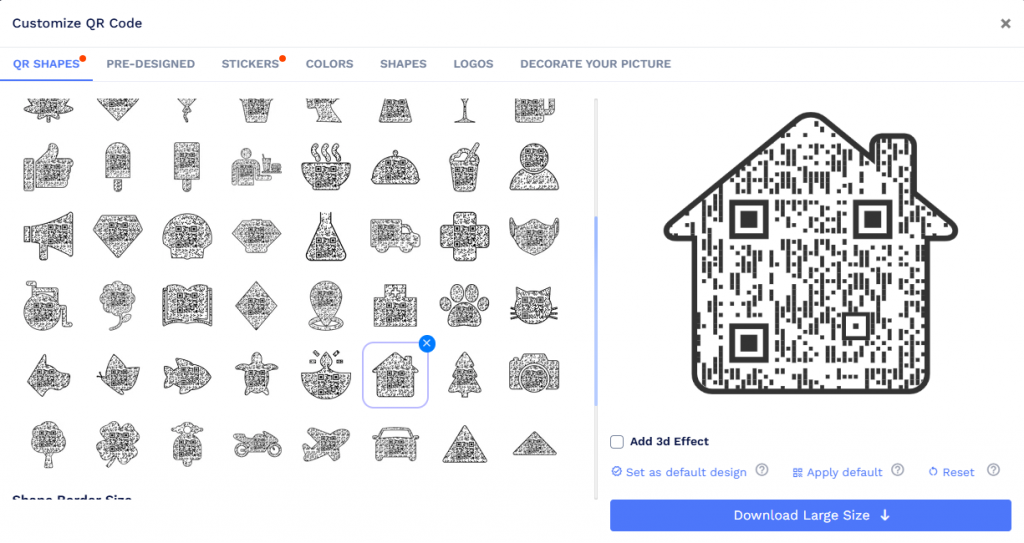
You can customize it further by changing the colors and adding your brand logo.
3. Preview, test, and save
Scan the QR code preview to make sure it works properly. If you face any scanning issues, try these troubleshooting steps.
Enable the “Make dynamic” option if you want to create a dynamic QR code. You can also enable “Track precise location” if needed.
Once everything looks good, save your QR code, print it, and share it with your audience.
15 QR code shapes for different businesses and use cases
No single shape is best for every QR code.
Instead, choose a shape that fits the surrounding design, destination, or action you want people to associate with the scan.
1. Square QR code
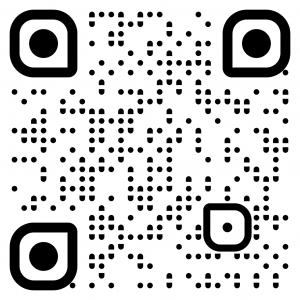
Good for: Packaging, signage, menus, payments, documents, and general-purpose QR codes.
The classic square works almost anywhere. Choose it when the shape itself does not need to communicate a specific idea, and you want a familiar, versatile design.
2. Circle QR code
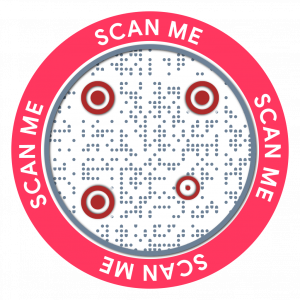
Good for: Bottle caps, coasters, cups, badges, stickers, and circular layouts.
A circle works naturally when the surrounding design already uses round elements. It is also a useful alternative when you want something different from the classic square without making the shape industry-specific.
3. Heart-shaped QR code
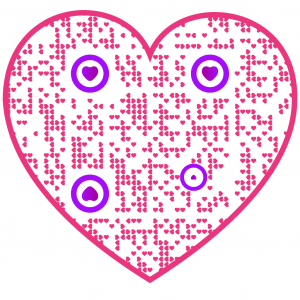
Good for: Weddings, Valentine’s campaigns, nonprofits, memorials, and cause-based campaigns.
A heart fits experiences centered on relationships, celebrations, causes, and emotionally meaningful occasions.
4. Star-shaped QR code
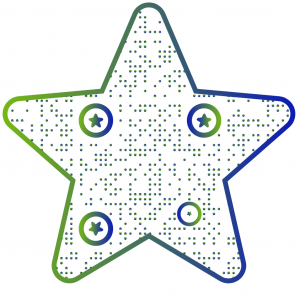
Good for: Reviews, ratings, recognition, awards, and feedback campaigns.
Stars are strongly associated with ratings and recognition, making this shape a natural fit when scanning leads to a review page, feedback form, or rating experience.
5. Diamond-shaped QR code
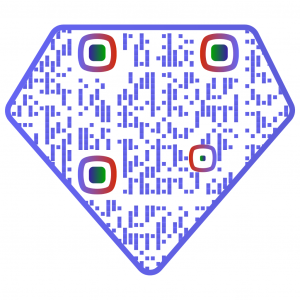
Good for: Jewelry, premium packaging, luxury products, certificates, and high-end branding.
A diamond can complement geometric or premium-looking visual systems without changing the QR code’s destination or function.
6. Triangle QR code
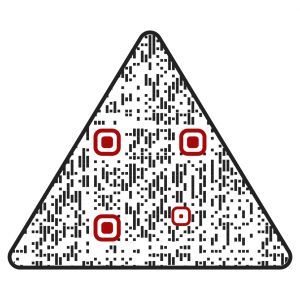
Good for: Industrial designs, recycling, safety-related materials, sustainability campaigns, and angular layouts.
Triangles work particularly well when the surrounding design already contains sharp or geometric visual elements.
7. Hexagon QR code
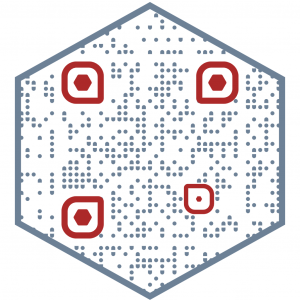
Good for: Technology, engineering, science, electronics, and industrial applications.
Hexagons fit naturally into technical and geometric design systems and can work well on equipment, electronics, product packaging, and engineering materials.
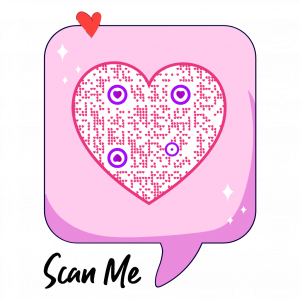
8. Speech bubble QR code
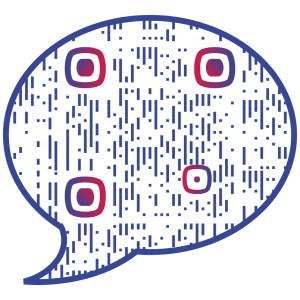
Good for: Feedback, reviews, surveys, support, messaging, and contact forms.
A speech bubble helps visually connect the QR code with an action involving conversation or response.
Use it when scanning leads to a survey, support page, feedback form, or contact experience.
9. Shield or badge QR code
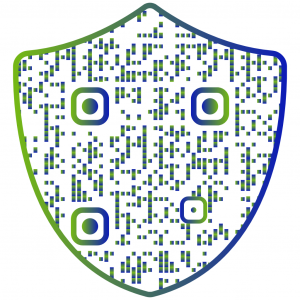
Good for: Verification, warranties, certifications, memberships, and authenticity information.
Shield and badge shapes fit contexts where the QR code appears alongside trust, validation, membership, product information, or verification.
10. House-shaped QR code
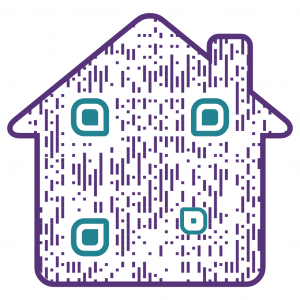
Good for: Property listings, open houses, property signage, brochures, and home-service businesses.
A house creates an immediate visual connection with property and home-related experiences.
For example, a real estate agent could place one on a property sign and link it to the listing, virtual tour, or contact page.
11. Paw or animal-shaped QR code
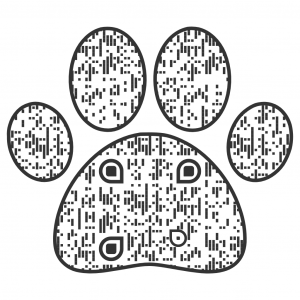
Good for: Pet tags, veterinary clinics, animal shelters, groomers, and pet brands.
A paw shape naturally fits pet-related contexts, from identification and adoption information to veterinary materials and packaging.
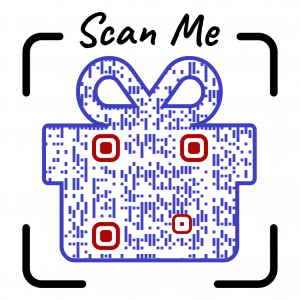
12. Gift box QR code
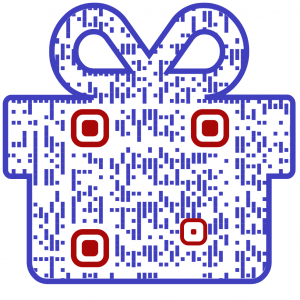
Good for: Coupons, rewards, giveaways, gift cards, offers, and seasonal promotions.
A gift shape works particularly well when the scan reveals something of value, such as a discount, reward, promotion, or gift.
13. Flower or leaf QR code
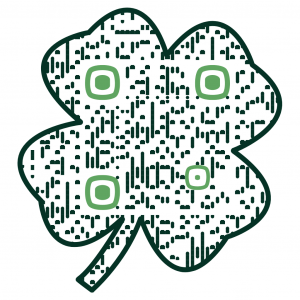
Good for: Florists, wellness businesses, beauty brands, nurseries, nature-focused products, and sustainability campaigns.
Flower and leaf shapes can complement visual systems built around nature, beauty, wellness, or environmental themes.
14. Location pin QR code
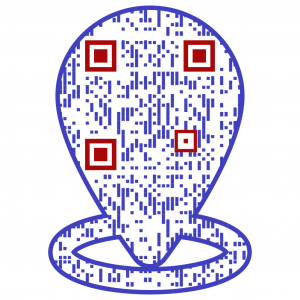
Good for: Google Maps locations, stores, restaurants, venues, offices, branches, and events.
A location pin clearly connects the scan with a physical place.
Use it when the QR code helps someone find a store, venue, branch, office, event, or other location.
15. Object-specific QR code
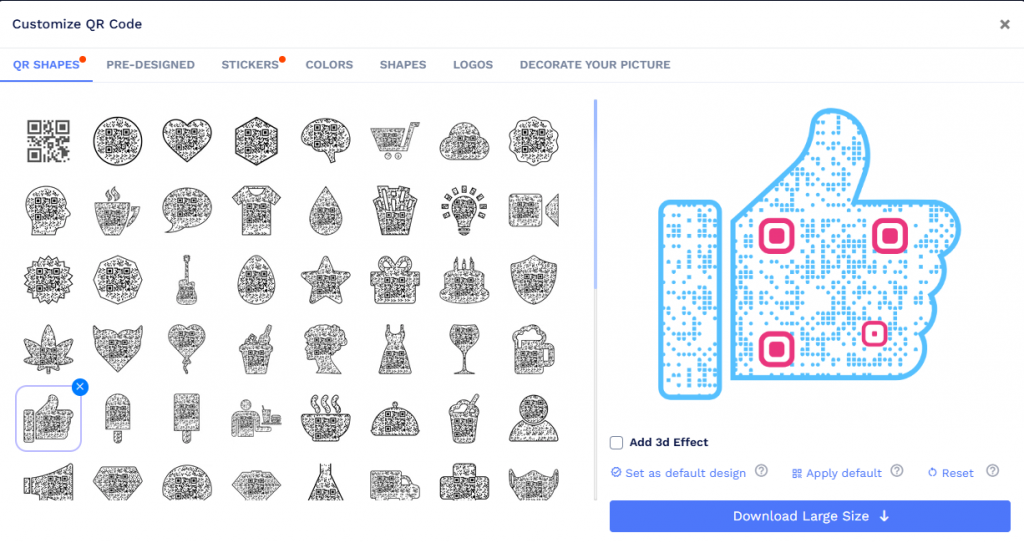
Good for: Product-specific and industry-specific campaigns.
Sometimes the most relevant shape is simply an object associated with your business.
For example:
- a café can use a coffee cup,
- a bakery can use a cake,
- a musician can use a guitar,
- a travel business can use a plane, and
- a real estate business can use a house.
This is where a broad QR shape library becomes particularly useful. Instead of forcing every QR code into the same visual format, you can choose a design that makes sense in its real-world context.
Why use QRCodeChimp for shape QR codes?
QRCodeChimp combines QR code customization with tools for managing QR codes after you create them.
Choose from 60+ QR code shapes
QRCodeChimp includes geometric, decorative, industry-specific, and object-based QR shapes.
This gives you more flexibility to match the QR design to your business, campaign, product, or placement.
Customize colors and logos
Shape is only one part of the design.
You can combine QR shapes with your brand colors and logo to create a QR code that fits the surrounding material more naturally.
Keep readability and contrast in mind as you customize it.
Preview and test before publishing
QRCodeChimp lets you preview your QR code while designing it so you can scan and evaluate the finished design before saving.
For printed applications, always test the final printed version as well.
Update dynamic QR codes without reprinting
When you create a dynamic QR code, you can change the destination later without replacing the QR code already printed on your packaging, signage, marketing material, or other assets.
Dynamic QR codes can also provide scan analytics, making them useful for business and marketing campaigns that need ongoing management and measurement.
Manage QR codes beyond a single campaign
For teams managing QR codes across multiple campaigns or business workflows, QRCodeChimp also supports capabilities such as analytics, bulk creation, team management, and API-based workflows.
That makes shape customization part of a broader QR code management platform rather than an isolated design feature.
Final thoughts
QR codes no longer have to look the same.
The right shape can help your QR code fit naturally into the product, business, or campaign around it. A house makes sense for real estate, a paw for pet identification, a location pin for directions, and a coffee cup for a café.
But shape is only one part of the equation.
Your QR code still needs to be easy to scan, so keep contrast, size, placement, and real-world testing in mind as you customize it.
With 60+ QR code shapes in QRCodeChimp, you can choose a design that fits your use case, customize it with your branding, test it, and turn it into a dynamic QR code if needed.
Frequently asked questions
Can QR codes be round?
Yes. QR codes can be designed with a round or circular outer shape while keeping the QR pattern readable. Circle QR codes are particularly useful for round surfaces such as bottle caps, coasters, badges, and stickers.
Can QR codes be any shape?
QR codes can be customized into many different shapes as long as the underlying QR pattern remains scannable. QRCodeChimp offers 60+ options, including geometric shapes and designs such as houses, hearts, paws, stars, location pins, and object-specific shapes.
Do shaped QR codes still scan?
Yes, as long as the QR code is designed and displayed properly. Good contrast, suitable sizing, print quality, placement, and testing all matter. Always scan the finished QR code before publishing or printing it.
What is the best QR code shape for my business?
Choose a shape that naturally fits your product, industry, or campaign. A house works well for real estate, a paw for pet businesses, a location pin for directions, and a gift box for promotions. If there is no obvious match, a circle or square is a safe choice.
How much can I customize a shape QR code?
You can customize the shape, colors, and logo, but the QR pattern must remain readable. The more you customize, the more important it becomes to test the finished QR code under the actual conditions in which people will scan it.
You may also like
How to Create One QR Code for Multiple Links
Learn how to create one QR code for multiple links. Add websites, social profiles, videos, PDFs, and more, then update links without reprinting.
How to Generate QR Codes in Bulk
Create hundreds of unique QR codes from one spreadsheet. Learn how to prepare your file, choose static or dynamic codes, fix upload errors, and download the whole batch.
How to Create and Manage White Label Merchandise?
Learn the step-by-step process to create and manage customized white label merchandise like digital business cards, pet tags, and medical alerts using QRCodeChimp.
How to Choose the Right QR Code Generator for Your Restaurant
Compare menu updates, branding, analytics, scan limits, and multi-location features to choose the right QR code generator for your restaurant.
Most Popular
Contact Sales
